
Writing Wizard - School Ed.
Learn to Write Letters & Words
Ratings
Age
4+
Category
Games
Languages
English
Wed Aug 26 2026
• New sight-word lists: We've added the popular Dolch and Fry sight-word lists, the most common words children meet in early reading and writing.
• Smoother tracing: We've improved how tracing is detected and drawn, so letters and words feel more responsive as your child writes.
• Bug fixes and stability: We fixed several crashes and a number of smaller issues to make practice time more reliable.
Thank you for using Writing Wizard! If you have ideas or run into a problem, we'd love to hear from you at support@lescapadou.com

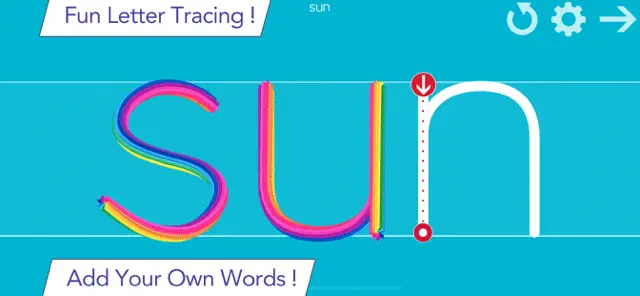
Writing Wizard - School Ed is a premier educational tool crafted to help children master handwriting fundamentals. Trusted by teachers and parents worldwide, the app guides young learners through tracing letters, numbers, and words using a fun, gamified approach. With customizable word lists, progressive difficulty levels, and rewarding animations that celebrate success, it turns handwriting practice into an engaging and encouraging daily activity.
Dinsun Expert Review
Our Expert Score
Writing Wizard - School Ed is an absolute staple for early childhood education. The app strikes the perfect balance between structured learning and playful engagement, giving kids clear directional guidance while keeping them motivated with stickers and rewarding animations.
The ability to customize word lists is a massive bonus for parents and teachers targeting specific spelling words or child names. If you want a dependable, high-quality tool to help children build fine motor skills and handwriting confidence, this app is well worth downloading.
Features
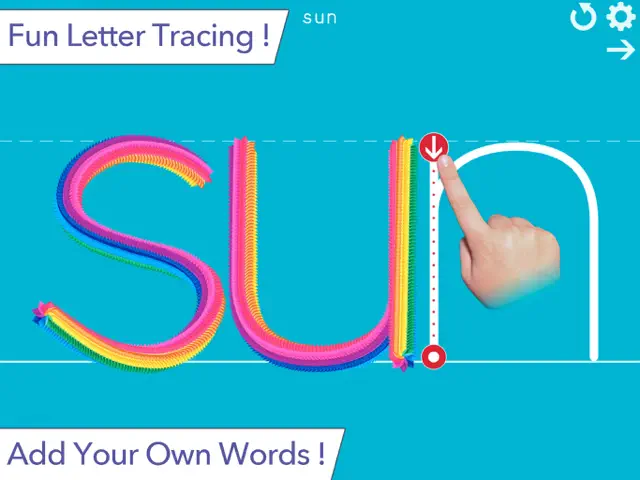
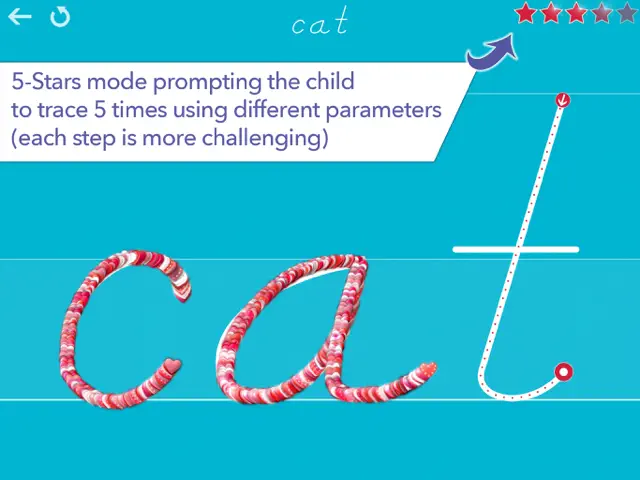
Trace letters, numbers, and custom words with guided audio and visual cues
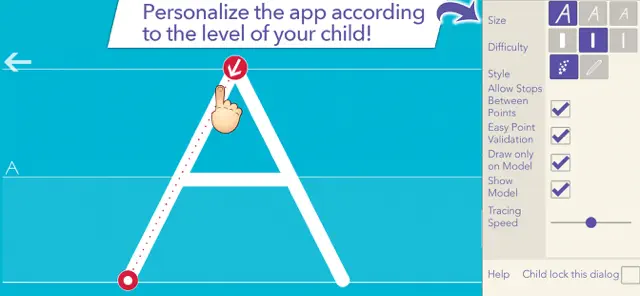
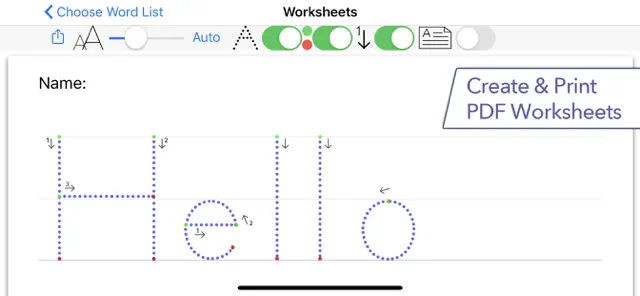
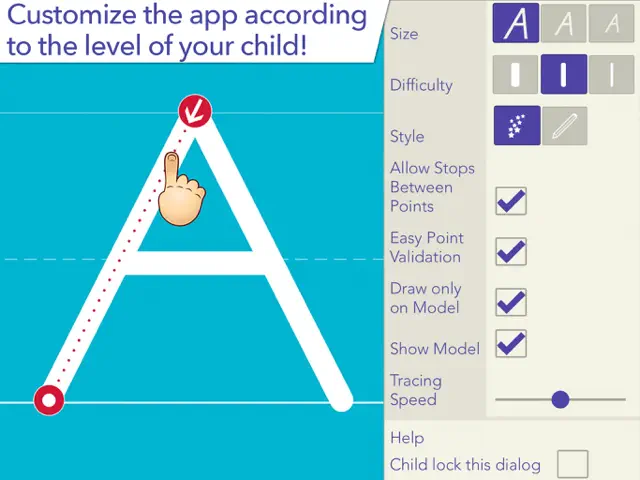
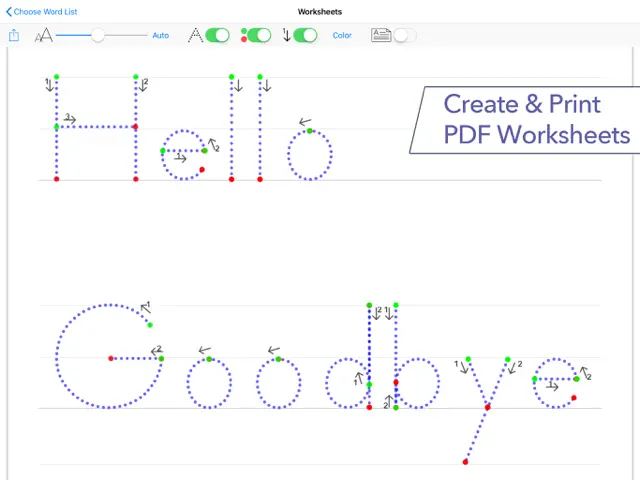
Customizable worksheets and difficulty settings for parents and teachers
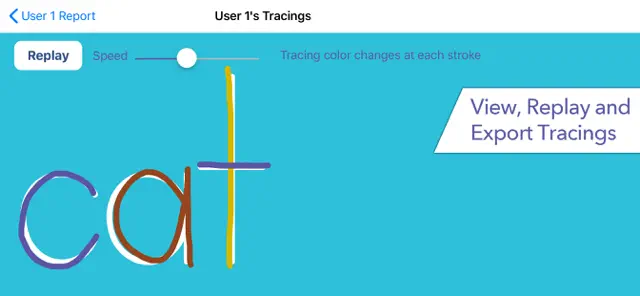
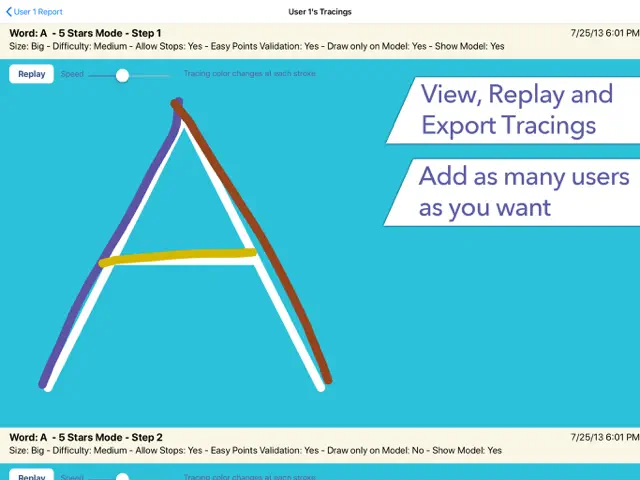
Detailed progress reports and star ratings
Child-safe interface with no third-party advertisements
Tips & Walkthrough
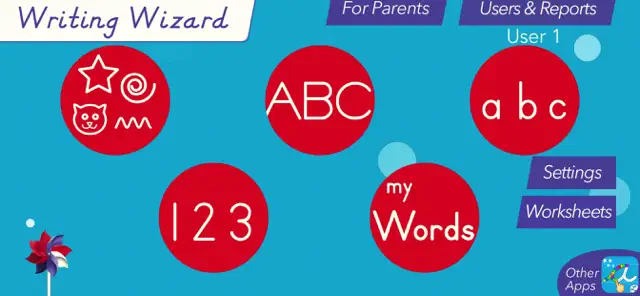
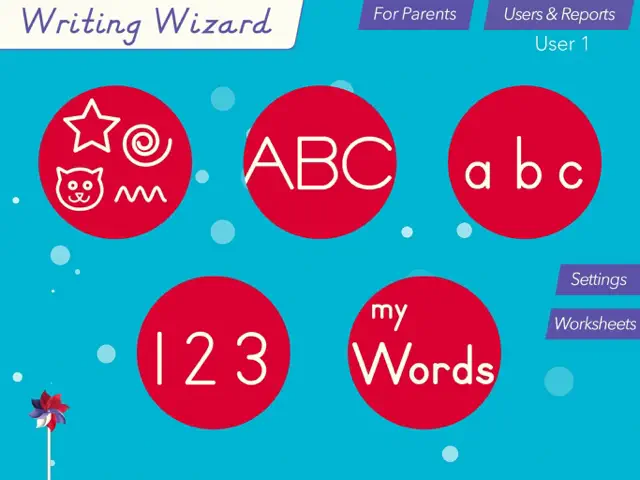
Select from the alphabet, numbers, or custom word lists to begin a guided tracing exercise with directional arrows.
Gameplays
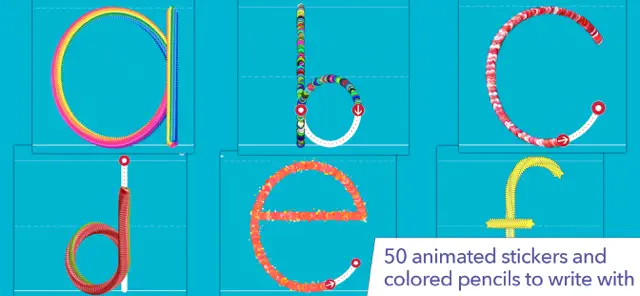
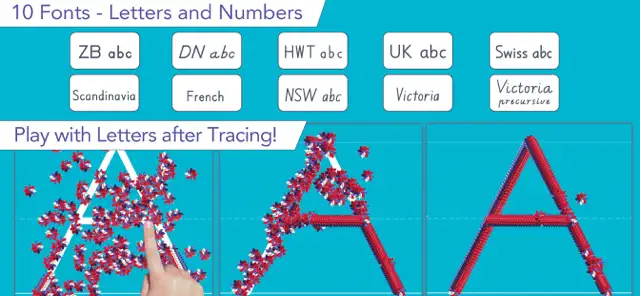
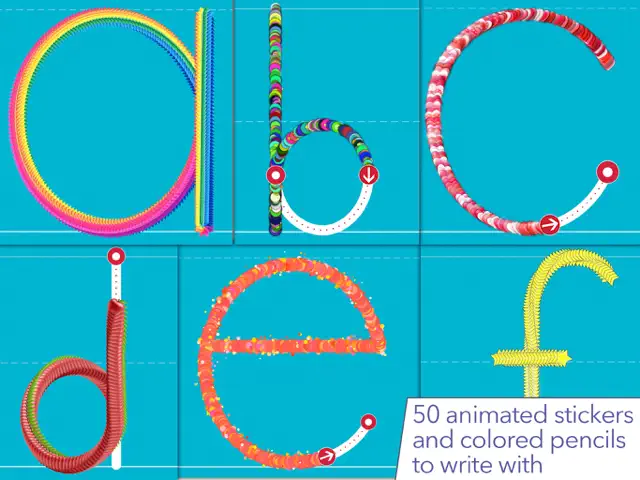
Follow the animated guides with your finger or stylus to trace letters correctly, earning stars and unlocking fun interactive stickers upon completion.
Screenshot

Q&A
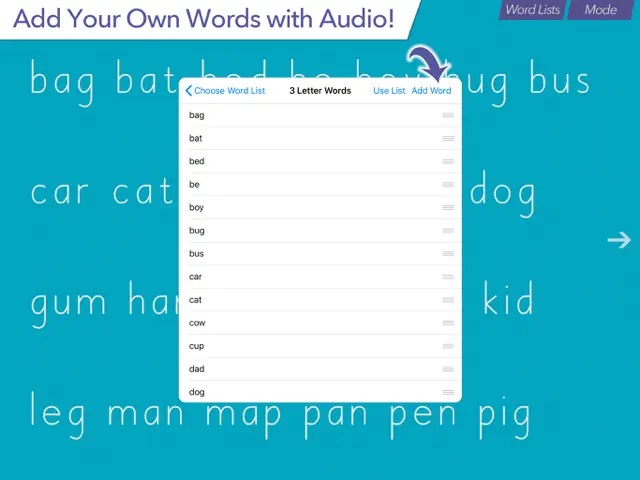
Yes, you can easily add custom words, spelling lists, or names for your child to practice tracing.
Ratings & Reviews
Great writing app!
Tue May 21 2019 NLH56I love all the different parameters you can create to suit the needs of the children/students that you are working with. I love, love, love that you can add your own word lists. I’m an OT who works with students of a variety of levels and this app will suit so many of them. I have just 2 suggestions that would make it just a bit better for me. When you trace the letters they are overlaid with pictures, but I think my students would be hard pressed to identify those pictures. If there was a single picture off to the side and if the “voice” labeled the picture that would be great. Second, when you make worksheets it would be nice to have an option to trace a yellow highlighted line rather than a dotted line. Thank you for making this. I love it.
Fantastic!
Thu Oct 04 2018 CO Dyslexia TherapistI am a speech-language pathologist specializing in teaching children with dyslexia and dysgraphia. All my clients love this app and are highly motivated, from my young elementary kids to middle school kids. It works even better when I added the TacScreen bumpy screen for touch screen products, e.g. iPad, iPod, Kindle, etc. The word list feature is great for helping kids practice their spelling words and for learning new spelling concepts. I just found the worksheets feature and use it to send homework home for extra practice. Thank you for making such an all-purpose app! My only suggestion is adding a sentence list similar to the word list feature so my kids can practice their writing in sentences. Excellent product!
Writing Wizard Review
Thu Mar 14 2024 SF, 4th grade studentWriting Wizard is very good and all that, but it is too customizable and is very complex to be able to suit my needs. I am very happy with it but I can’t figure out what to do and/or turn on/off to suit my needs so it is overall very good, but with that one problem, isn’t perfect- as expected with many things. But the writing is also very satisfying, and with that said is a great app to have, and I would highly recommend it to others. I only tried it to improve my handwriting but might also do Writing Wizard just because of its fun and for the sake of fun as well as handwriting improvements. Sincerely, Sam Fazeli, 4th grade student
Great learning to write App
Mon Jun 25 2018 SweetswireI have had this app for about 5 years and it is still working great. I like that I can customize based on each of my kids different level. Also, even better with works with the IPad Pro series, which for us is an added bonus as now our kids get the chance to use a pencil while writing. The fact that they constantly upgrade the app to allow it to be able to be used on various Ipad series says a lot about the company and their customer service. As a teacher and a home educator, I highly recommend this App for children learning to write or even if they just need practice.
Amazing!
Mon Jun 21 2021 mm11:11My son is basically teaching himself to read with this app. He is on spectrum and considered non verbal but this app is acting almost like an AAC for us! Thank you so much for this app—I wish there was a free page though where we could almost use it like a blank piece of paper-he uses a cheap etcha sketch sorta thing but if it were built up in that would be amazing. I would love to help with this I absolutely love this app!!! I am not one to rave about anything and I am thrilled!
Love it!
Tue Mar 27 2018 Nina1447My kids 4 & 6 both use this, my youngest to learn her letters and how to form them and my oldest for spelling practice. Love that it allows me to creat my own lists and record the words! Great app, super flexible with lots of settings. We also have the cursive one which is also great. We’ve only had these a couple days but we are very happy so far. Kids enjoy using it and I love that they don’t complain about practicing letters and spelling.
Perfect for my Toddler and Kindergarten kids
Mon Mar 18 2019 SorrindoI am loving this app! Being able to create different users and customize words lists is exactly what I needed for my kindergarten kids. I love that they can record themselves saying the word and hear it every time they are prompted to write the word. My toddler especially loves all the different shapes that get used while tracing the letters, words, shapes, etc.
Great app!
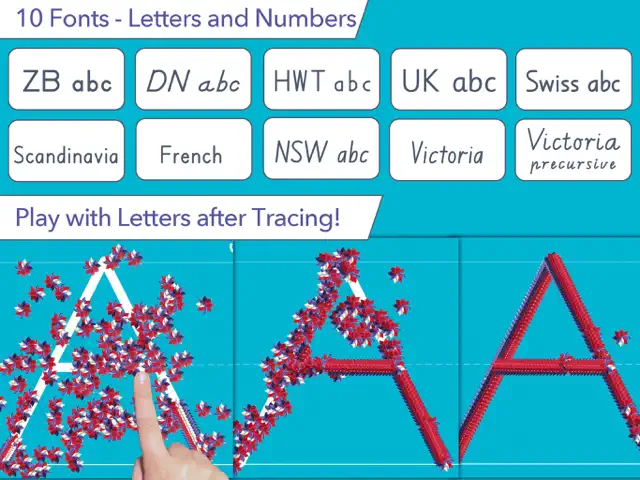
Tue Apr 23 2019 Roz EMThis app is so fun for younger kids! I downloaded the app for my 5-year-old sister one day while I was babysitting and she loved everything about it! She especially enjoys the little games after she traces something. This app not only teaches children how to write, but also how to write numbers and draw simple pictures and symbols. Best writing app we have tried so far!