SplashLearn: Kids Learning App
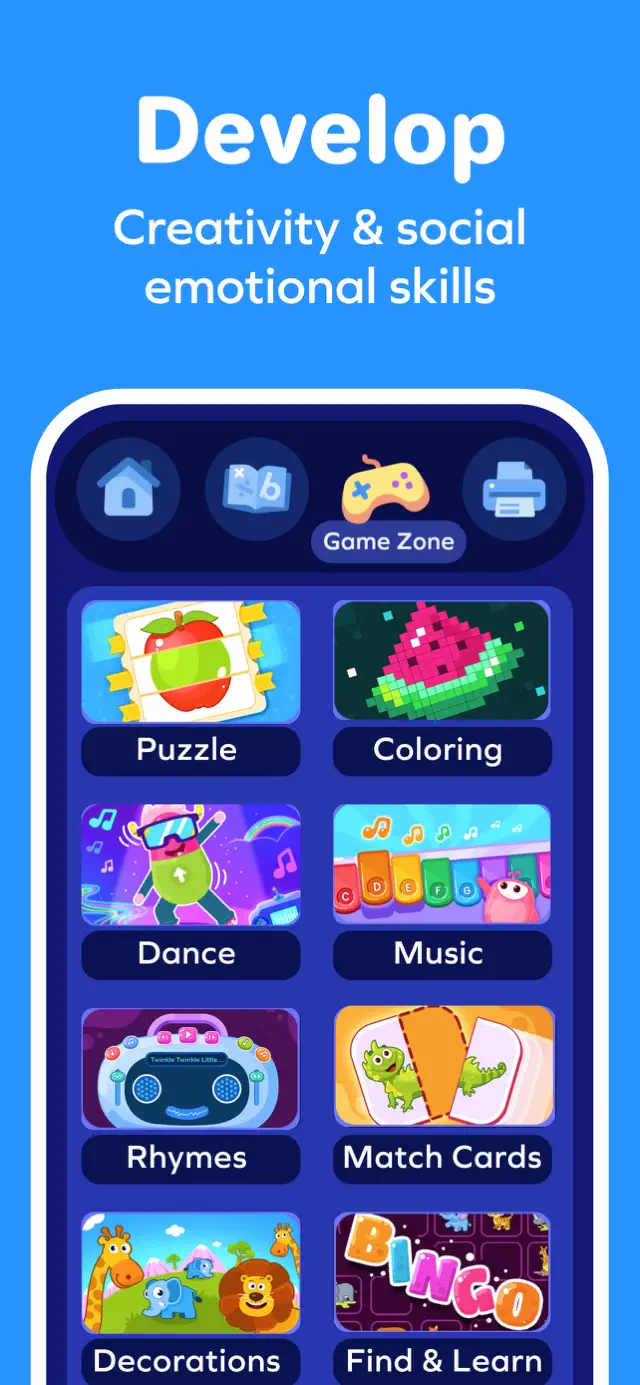
Fun Games for Reading & Math
Ratings
Age
4+
Category
Education
Languages
English
Mon Feb 09 2026
- New learning activities for kids with cool characters.
- Small bug fixes for a smoother learning experience.

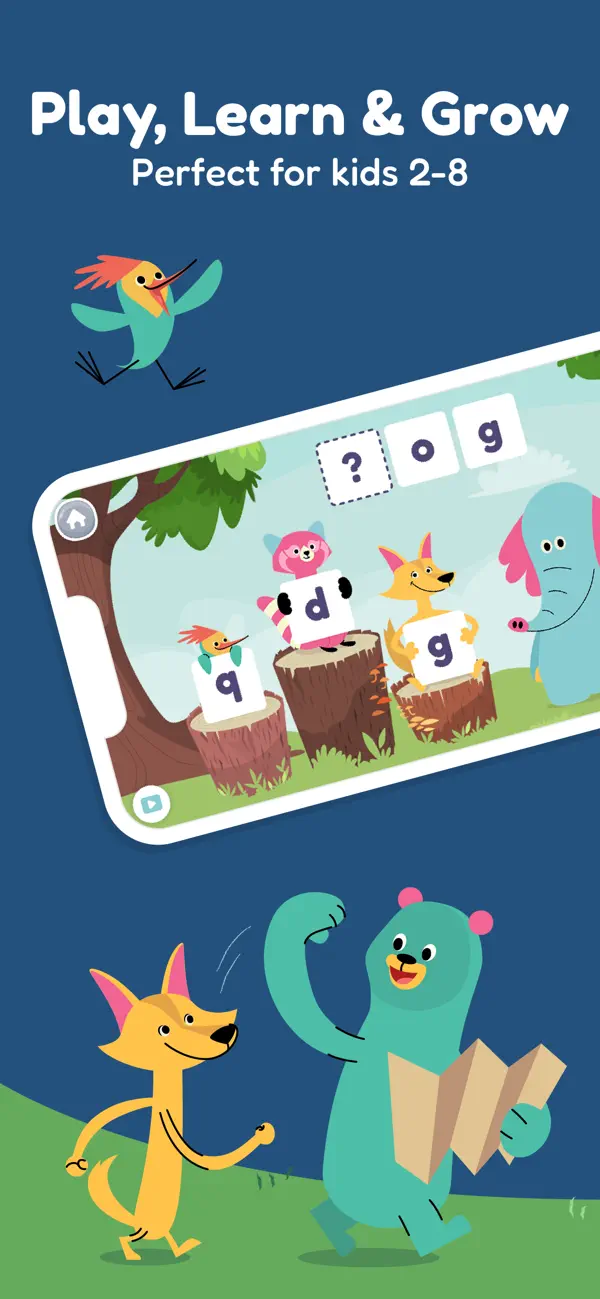
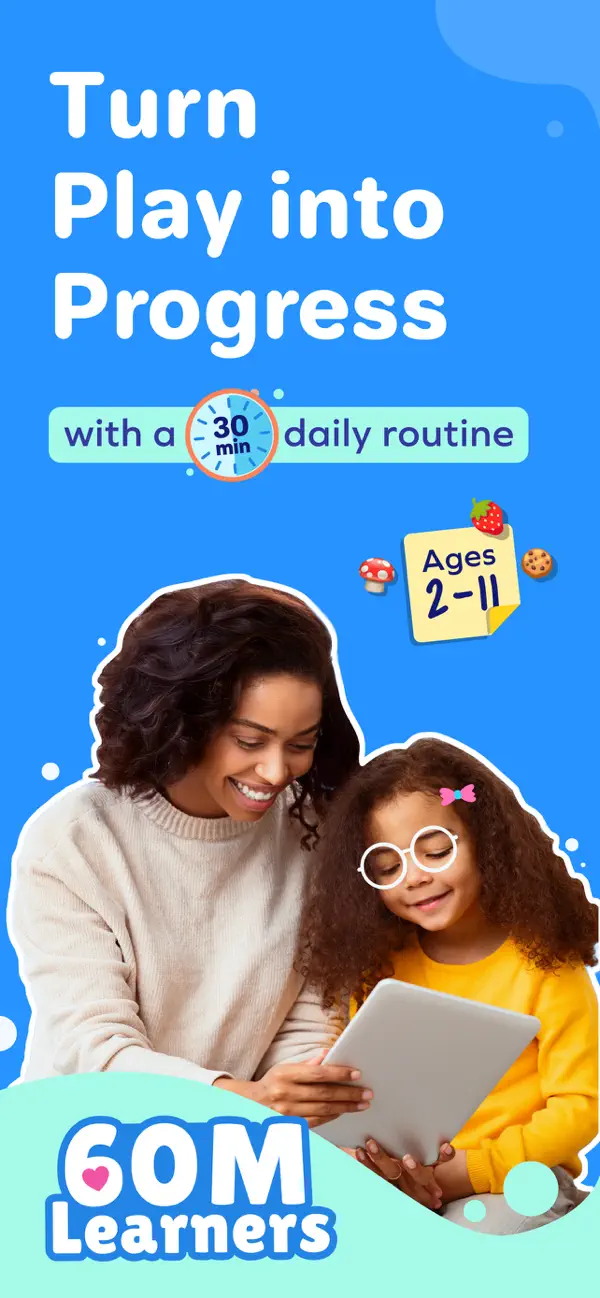
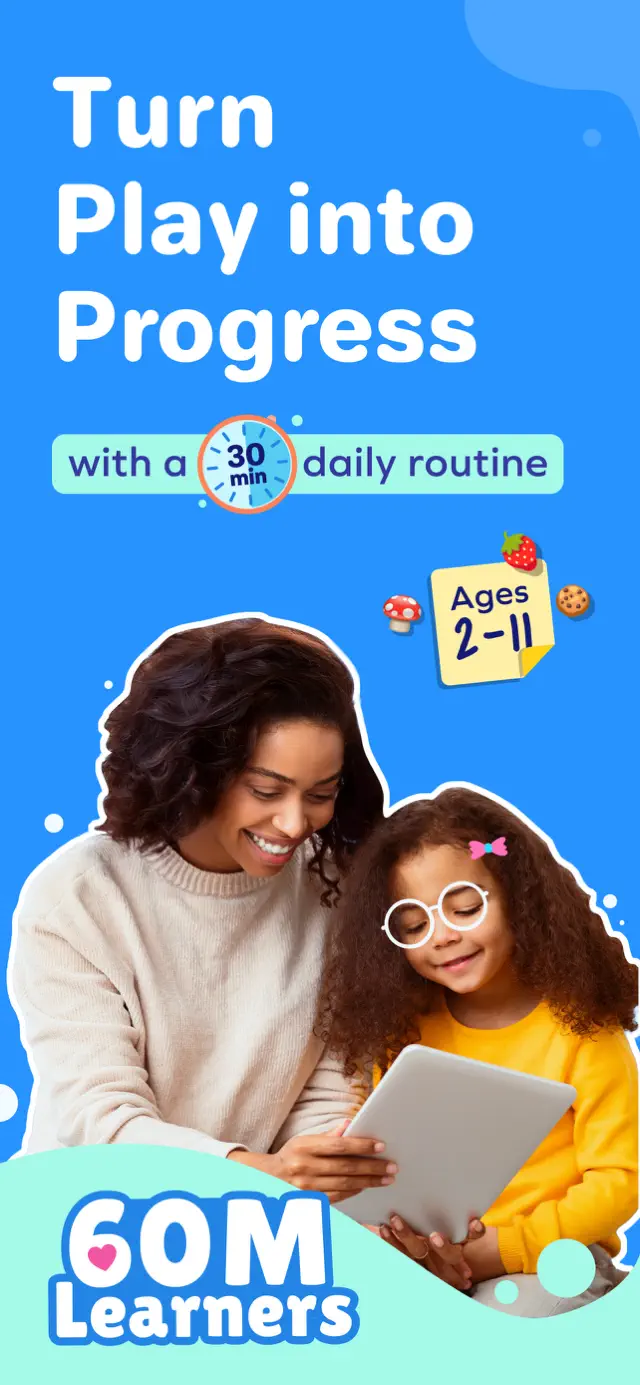
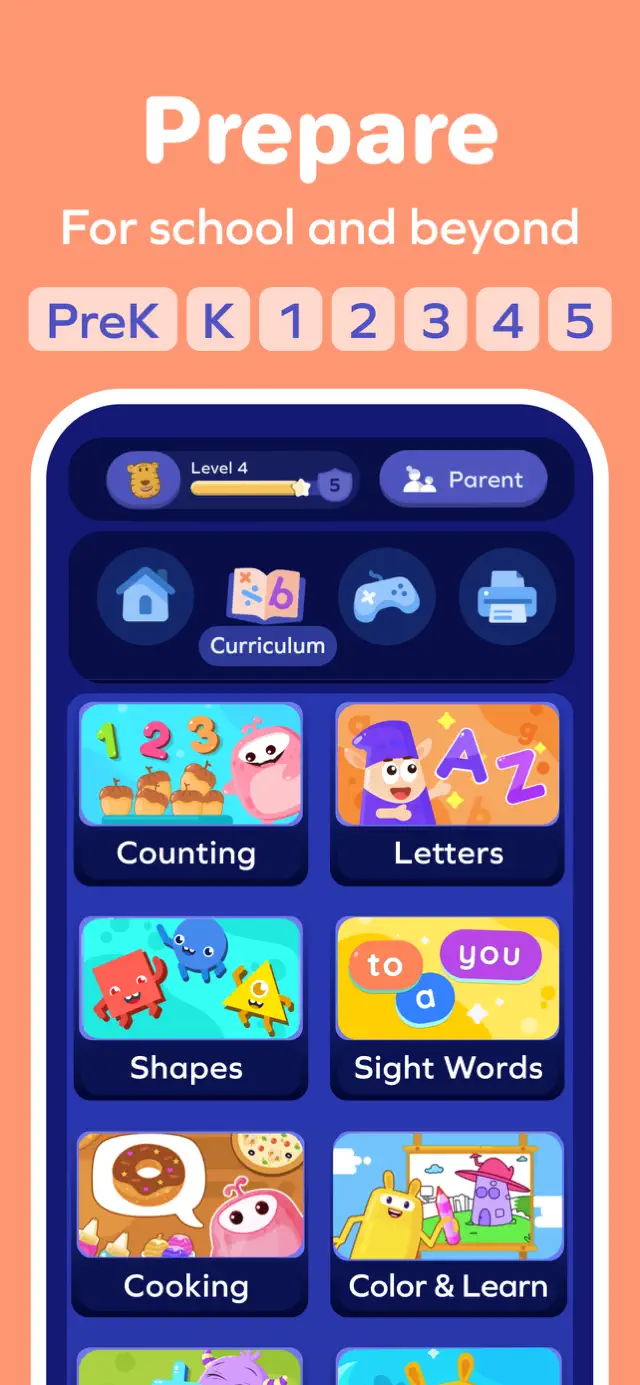
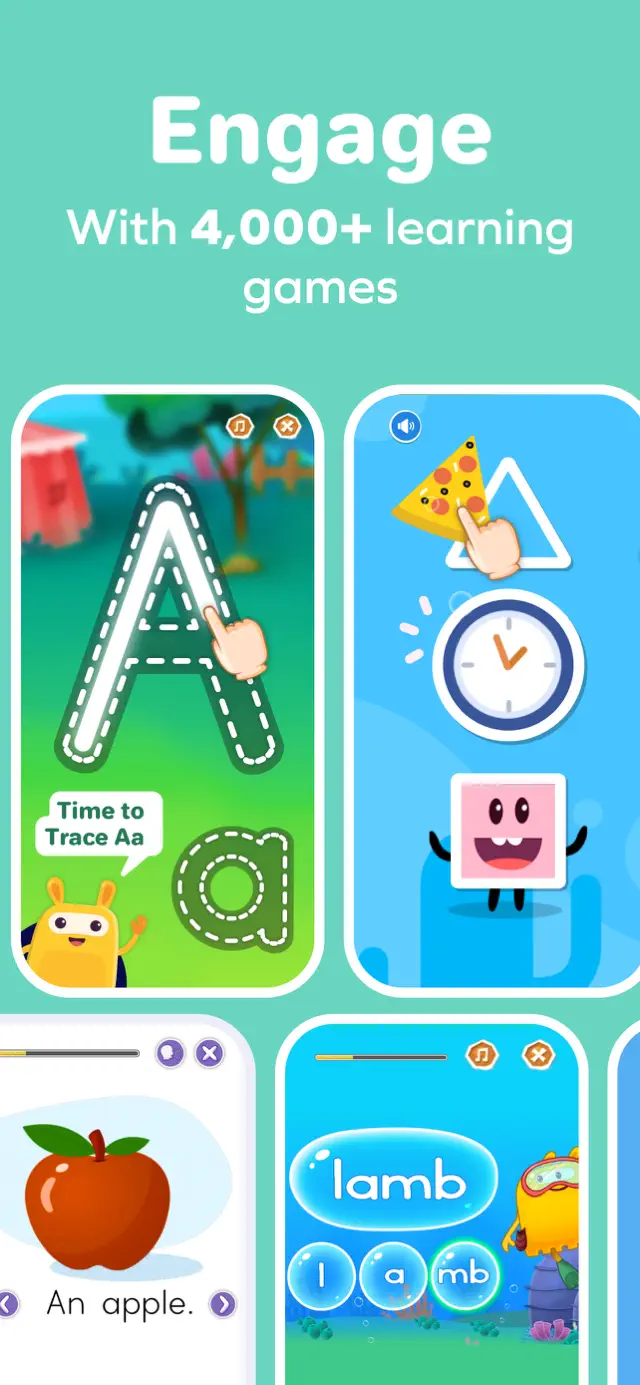
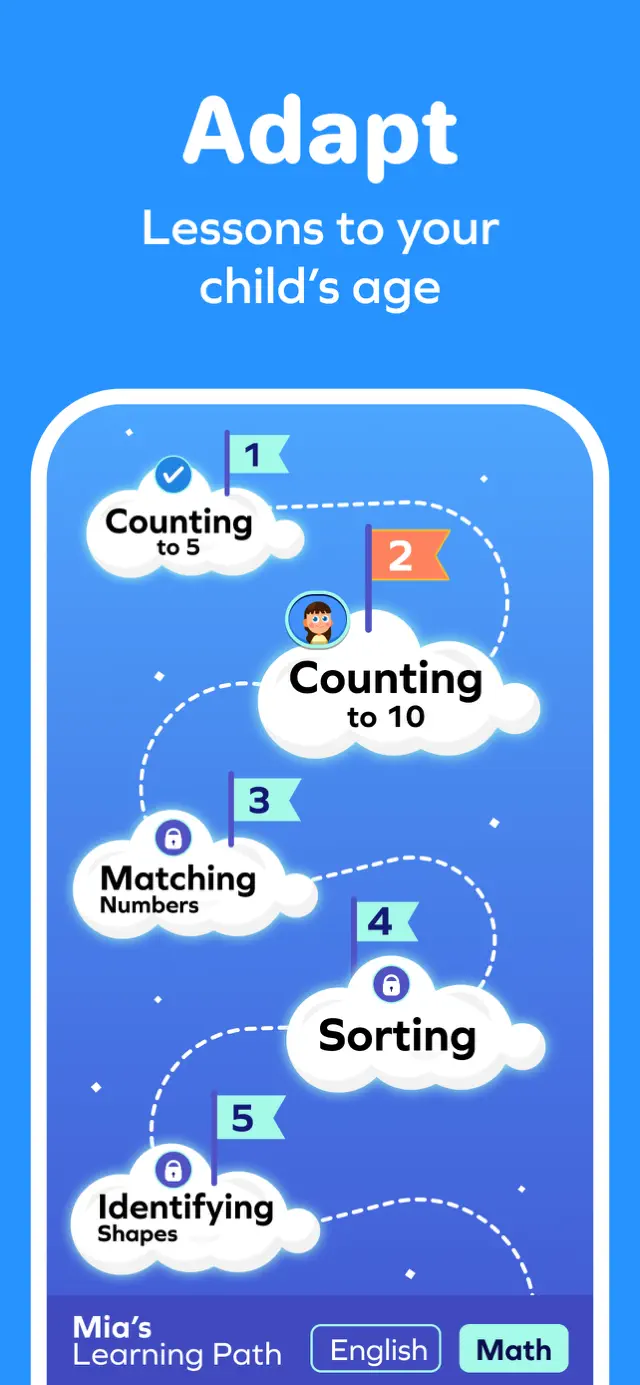
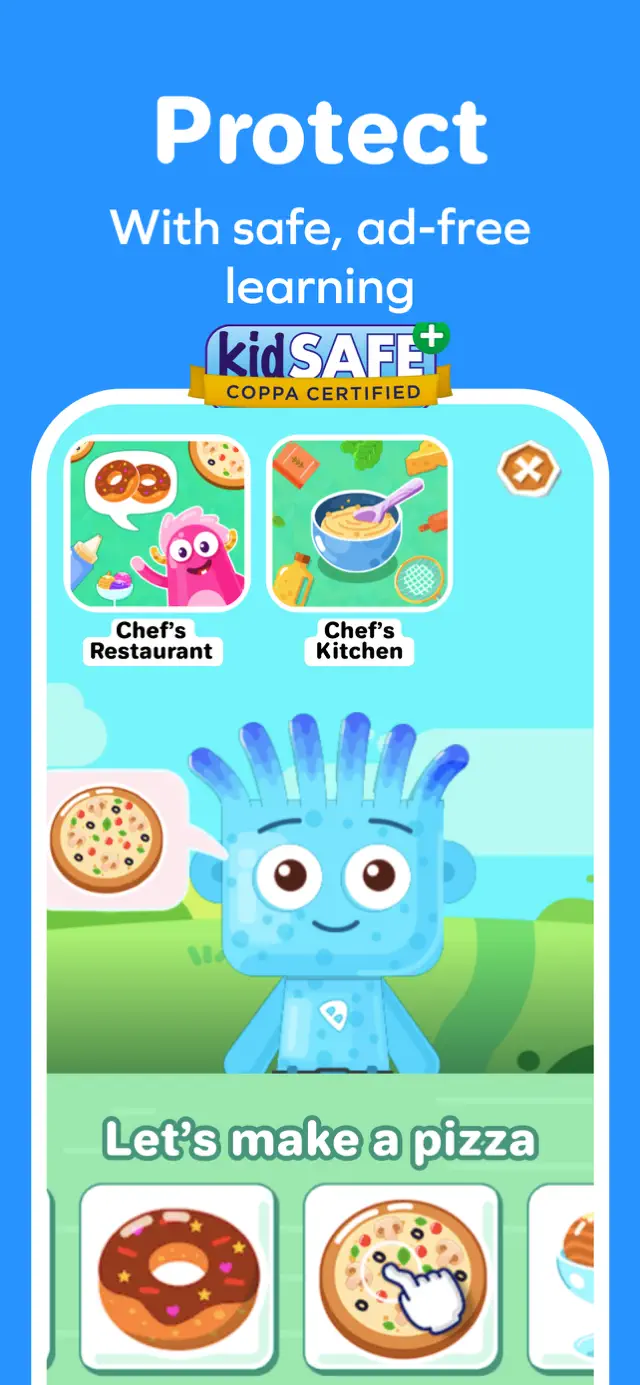
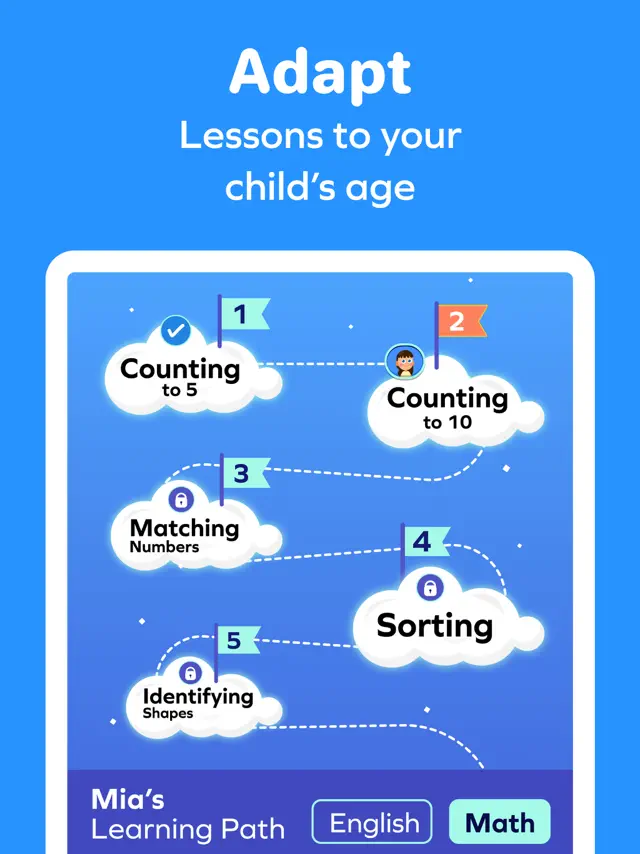
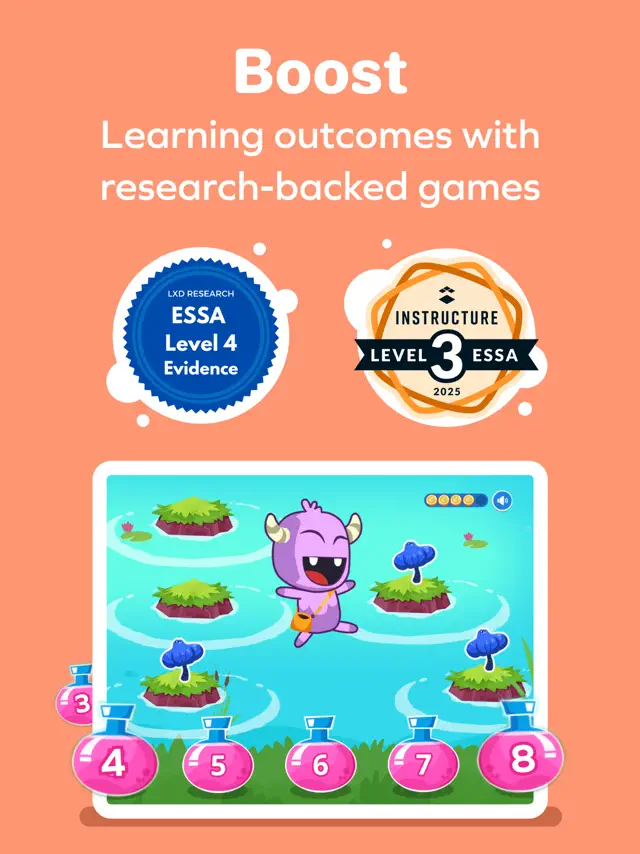
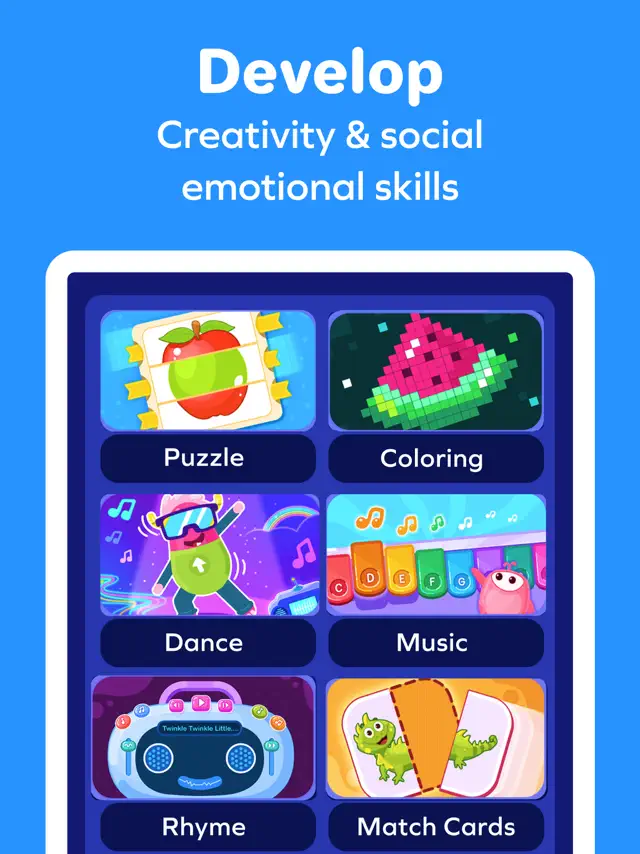
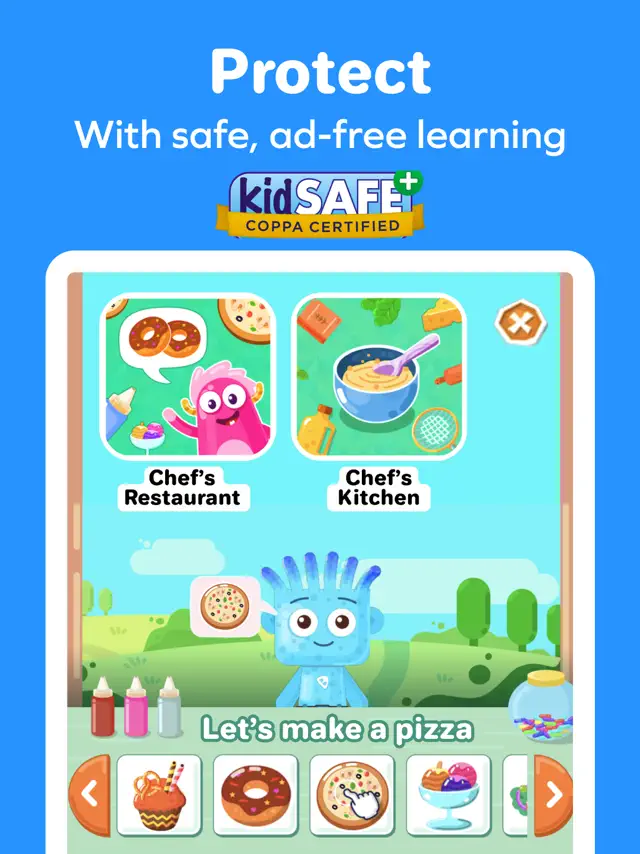
SplashLearn is an award-winning educational program that covers math and reading skills for children aged 3 to 11. Through thousands of interactive games and activities, kids learn everything from basic counting and phonics to advanced fractions and reading comprehension. The app features an adaptive learning path that identifies a child's strengths and weaknesses, ensuring they stay challenged but not frustrated. It's a safe, ad-free environment designed to build confidence in students.
Dinsun Expert Review
Our Expert Score
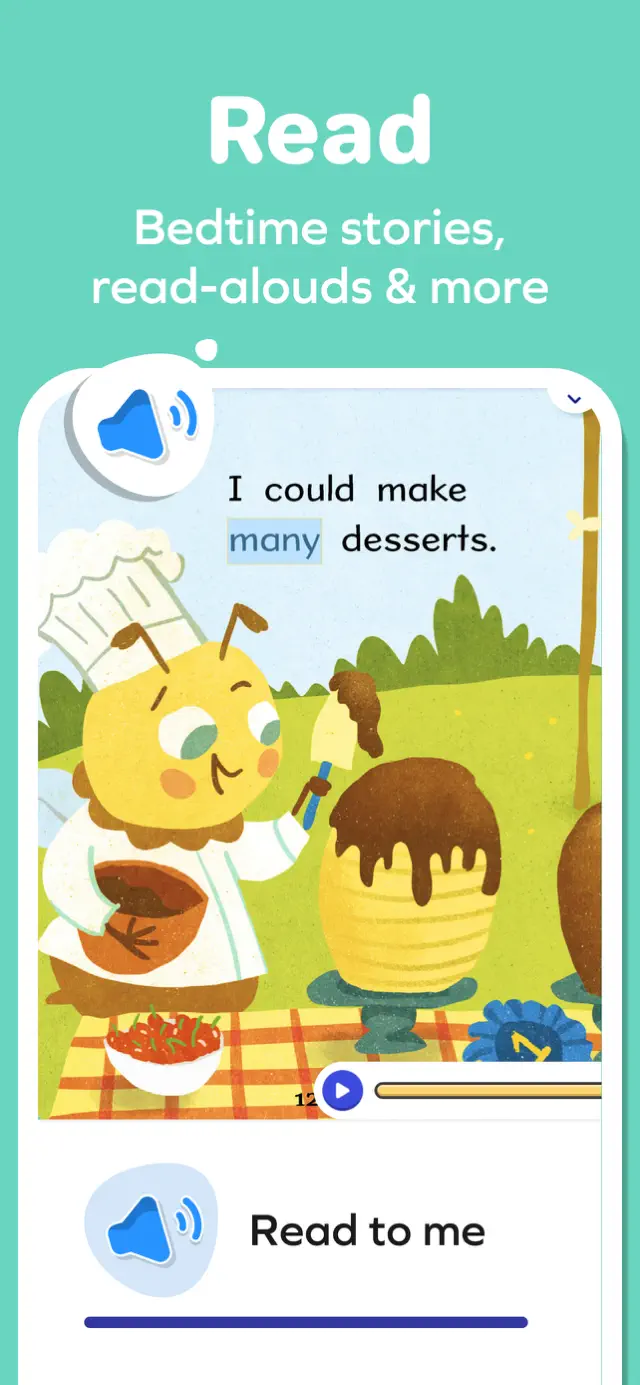
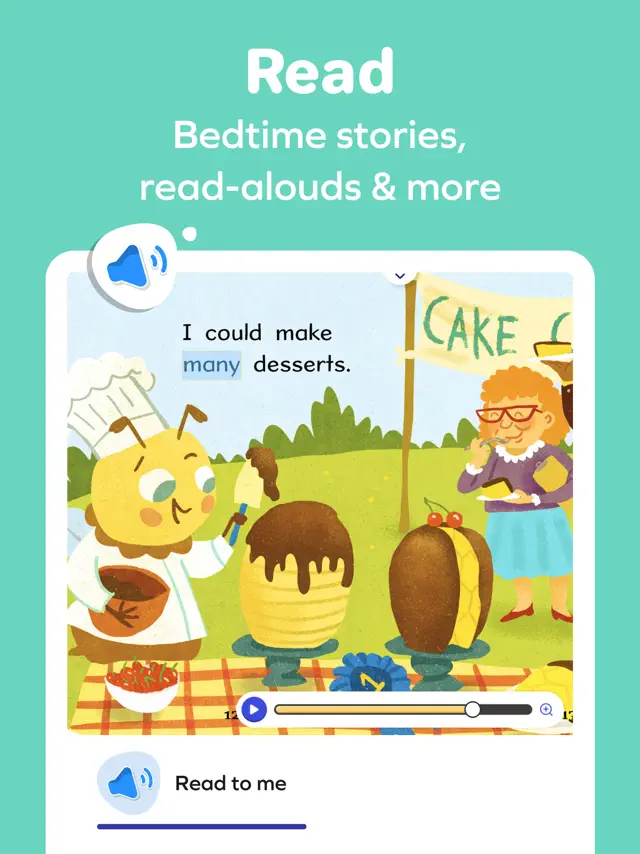
SplashLearn is a gold standard for educational apps. It manages to strike that elusive balance where the games are actually fun enough for a child to want to play, while the curriculum is robust enough for a teacher to approve. The 'Reading' section is particularly impressive, using phonics-based games that feel like an adventure rather than a lesson.
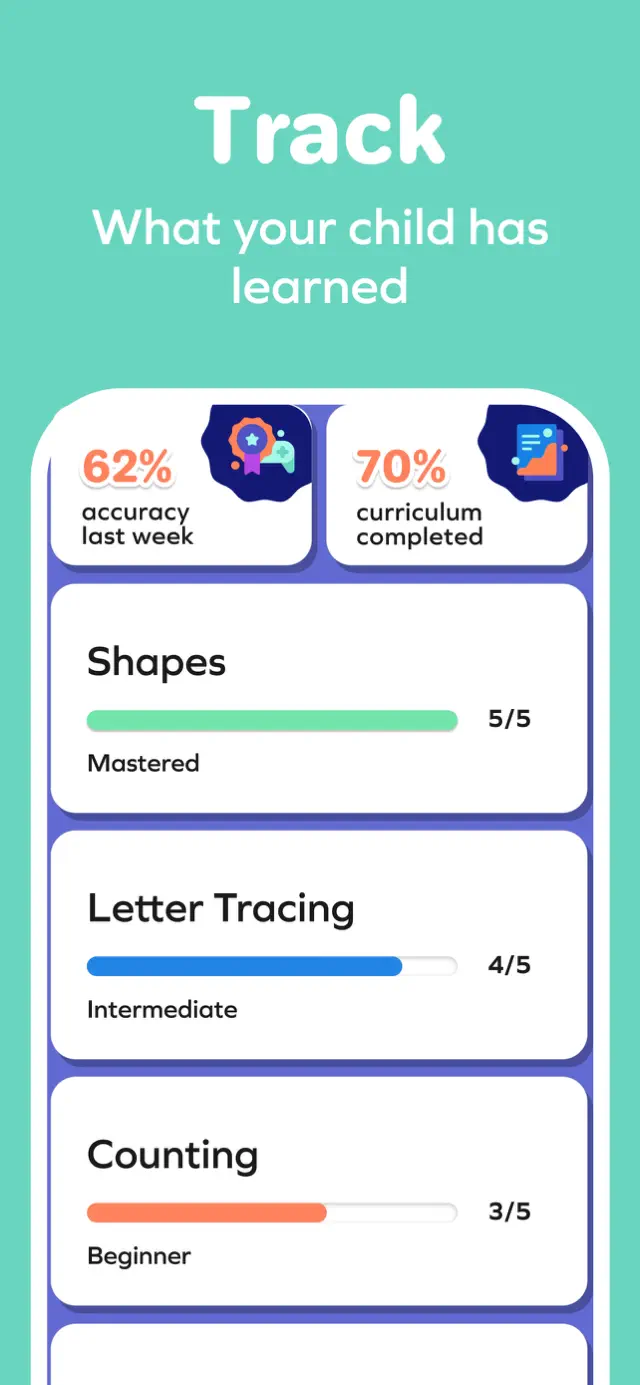
The adaptive learning engine is the secret sauce here. If my child struggles with a specific math concept, like regrouping in subtraction, the app notices immediately and pivots to provide more foundational practice without making the child feel like they 'failed.' The parent dashboard is incredibly detailed, allowing me to see exactly where progress is being made. It's an investment in a child's education that pays off in both confidence and grades.
Features
Curriculum-aligned Content
Personalized Learning Path
Offline Access
Progress Tracking
Featured In
Tips & Walkthrough
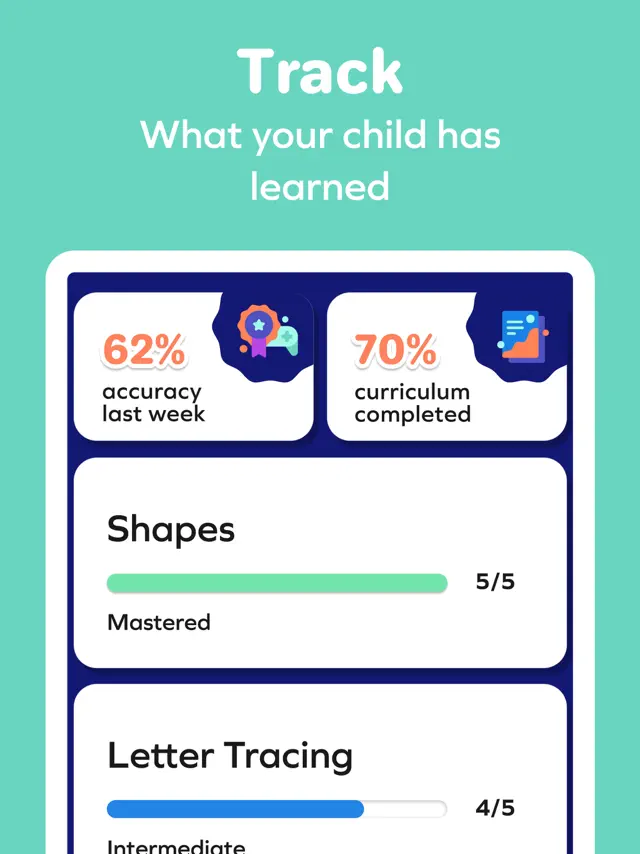
Access the parent area to see detailed progress reports and set daily learning goals for your child.
Gameplays
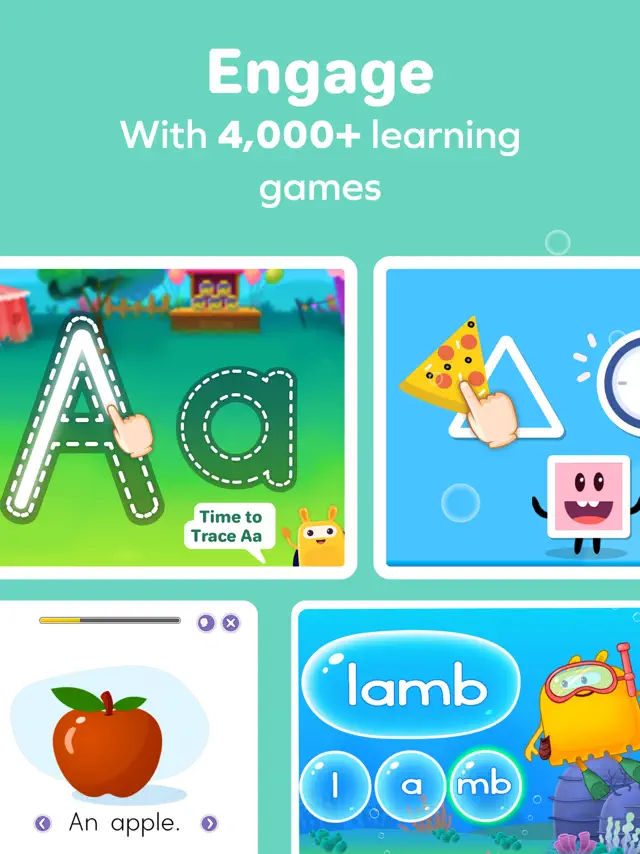
If a child misses a question, the game provides a visual hint and then simplifies the next task to ensure they understand the concept before moving on.
Screenshot

Q&A
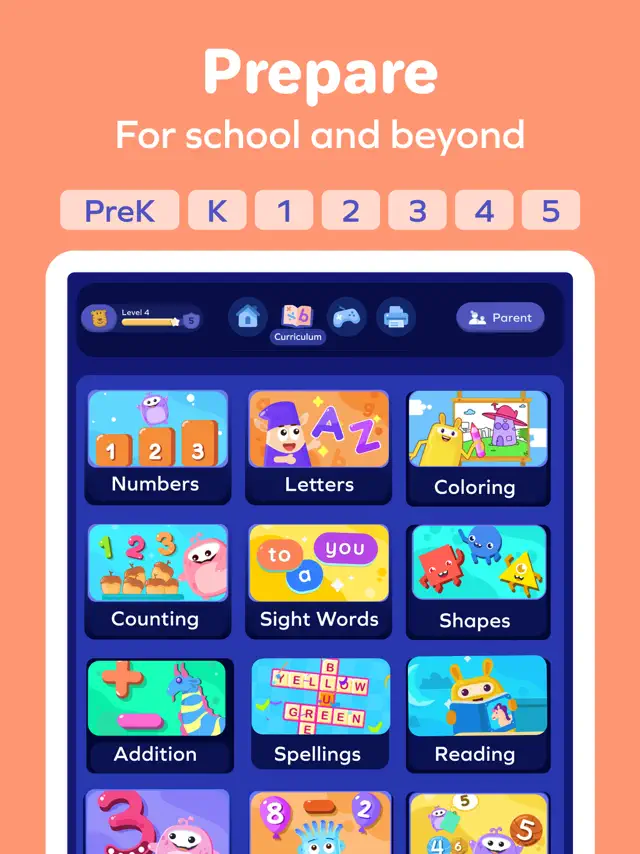
It is designed for children in Preschool through 5th Grade.
Ratings & Reviews
Fantastic learning tool!
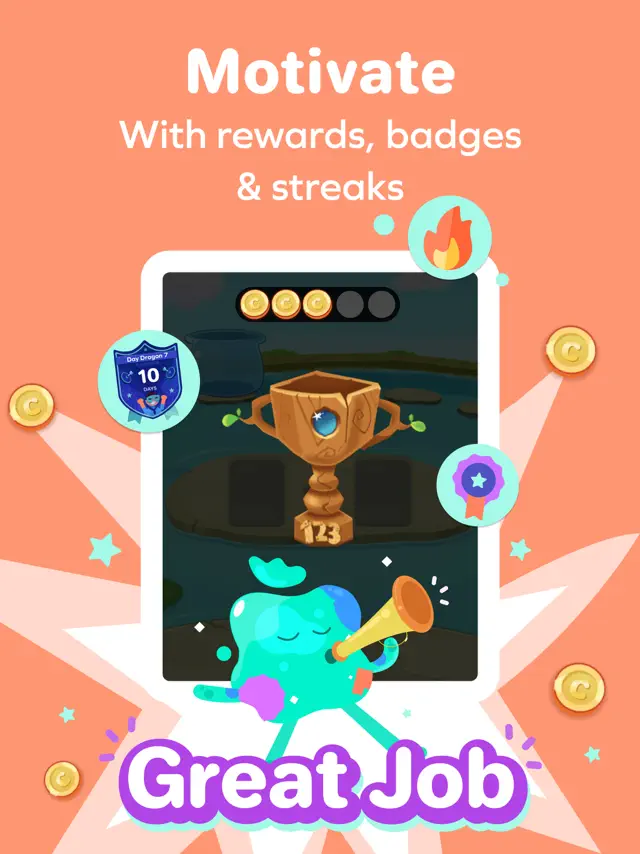
Tue Sep 16 2025 Evina83I use SplashLearn as part of our after-school routine to give my child extra practice and revision in math and reading. It’s a great way to reinforce what he’s already learning, but in a much more engaging format. My child absolutely loves it because the lessons feel more like fun games than schoolwork. The colorful graphics, interactive challenges, and little rewards keep him excited and motivated to keep playing (and learning!). He often asks to do “just one more level,” which is a big win for us. What I really appreciate is how SplashLearn tracks his progress and shows me exactly where he’s excelling and where he might need more support. The program is closely aligned with his curriculum, so I know the practice he’s doing is meaningful and relevant. Over time, I’ve noticed his confidence has grown, and he approaches tricky math problems with much less hesitation. Overall, SplashLearn has been a fantastic tool in our learning journey—making practice fun for my child while giving me the reassurance that he’s building strong skills step by step.
Great content but needs more parental controls
Wed Oct 15 2025 christineyxdMy 3 year old really enjoys this app. She used to do really well following the curriculum (we mostly do English learning), but ever since she discovered the games, she pretty much only wants to do those now. Some of the learning activities are also too long in my opinion. For example, the splashing game to reveal letters goes on for way too long. Eventually my toddler got bored and wanted to skip it. I think this makes the curriculum concept less effective because my toddler eventually wants to stop following it. She also doesn’t need the same amount of practice for each letter, I wish there was a way to move through the curriculum more effectively and more on pace for my kid specifically. The subscription is very pricey and I wish there was a way for me to control what content is accessible to my kid since she knows how to leave an activity and pick her own now. I don’t want her to only play the games. If there was a way to sprinkle in the games I know she likes into the curriculum, or customize the activities/sequence, that would be a really great feature. My subscription also came with access to the live classes but my child is in preschool during the class hours. If there was a way to access the class as a recording that would be awesome. My biggest peeve of this app is the lack of notification controls. I get SO MANY emails from splashlearn. Please add some settings to let me customize or turn these off.
Many Issues and Inadequate Customer Support
Mon Apr 01 2024 Jessica & JoeyThis is a great program, especially if you are homeschooling. There are unlimited activities and you do have some choice as to which activities to do. The price is also great. However, there are problems. First, my experience with customer service was poor. The response was inadequate and apathetic. I asked a question about following the curriculum because I could not find information for parents on the website. Next, the spelling activity is cute, but it lingers on the same words and doesn’t progress forward, and he has mastered the words. I need this fixed. My child was placed in special education and he needs a flexible curriculum. We are doing 3rd grade work primarily. For the 3rd grade Reading Comprehension, the program provides the answers after about one minute. This needs to be corrected. Some children need a lot of time for this. There are no grammar activities, at least in the 1st, 2nd, and 3rd grade sections. The program crashes at times. We rarely use the App, it’s used on a desktop computer. Finally, the daily/weekly summaries are not accurate. For example, it states we used the app for 3 days when we used it for 5 days. It’s wrong about how much time is spent daily as well. We do Math first and usually receive an email stating that a certain number of minutes was spent on Math and English when we did not do English. Hopefully these issues can be corrected.
Canceling Subscription
Mon Jul 15 2024 704FMy daughter loves this app and she is learning incredibly fast. She’s 1 but she is super focused on the content and always eager to learn, so much so that often times the first thing she says when she wakes up is splash learn (in her gibberish talk) I’m not kidding about that. I also like the app, how I was able to build her profile based off of her level of skill, the progressive challenges and the creativity. However, I have two issues that are big for me, that is leading me to cancel my subscription: The constant bugs, and the constant witch craft stuff. My phone is fairly new so I know it’s not my phone acting up when the app stops tracking her progress in the curriculum process. It stays stuck on lesson 1/5 and repeats the lesson she just completed over and over, it goes mute randomly, or it won’t register the screen touches. My issue with the witch craft stuff, my family strives to follow Christ and the Word of Truth. Witch craft is not something to joke about it’s very real and very evil the last thing I want to do is teach my kid that witch craft is harmless by putting it in her learning games. That’s something that might be worth looking into if this company is looking to cater to a wider range of parents and their kids. Other than that the app is lovely, I’m sure my kid will miss it.
I would give a 2
Fri Aug 18 2023 The core of sunflowersJust I’m like when is the kids she does not really love like love love math in school. Well I do like school and I like math but not love it do you know why because sometimes I feel like it only teaches me kindergarten when right now I’m in first grade and I am in like right now I am like in summer break and I’m going to second grade but that’s not important when I’m trying to say that, whenever I try to play the games it’s for kindergartners like I already know all the answers so I don’t really play it that often and when I don’t play it that often I don’t know if I’m gonna be able to like play that play it that much I think I’m just gonna have to delete that game but I can’t because I mean I want to do I can’t because that one make me bored why because when I’m when it’s school time the first day of school I’m not gonna be able to use my tablet and when it’s school time all I’m going to be doing right now at school is learning and then when I come back home, I’m gonna have to do six math problems and do other things then my tablet I’m not gonna be able to do my tablet when I come home so I hope I’m saying the right thing because yeah so when I come home I can play with my tablet and it’s sad, but it’s summer break and now I can so it’s not really sad for me right now. I’m having a great day and I wish the people in summer break will have a great day to .
Why did I download this?
Sun Dec 03 2023 BOOKWORM 1,000I just started fourth grade, and I really am not that advanced at math. Only a little. I read and write at an eleventh grade level. My Terrenova test says so! But here, I tried the third grade level first, because I had only just begun fourth grade. Way to easy. I was SO upset about the reading, though. I read books in preschool. That’s not AWESOME. But here, you are trying to teach me how to read simple words! AND, I already read Harry Potter in first grade! Trying to teach me the word, ‘the’ is outrageous! The math, as well as the reading was terrible. I deleted the app then downloaded it again so I could play the fourth grade level. Still, not any better. I decided to keep going with it, though, because I figured it would level me up. That way maybe it would have me move up to fifth grade. But this was impossible. I got sick of reading two pages about caterpillars turning into butterflies. So, I transferred to the fifth grade level. I was furious, for the app was still asking if I could multiply single digit numbers in my head without repeated addition. Duh 🙄 I realized that once it taught me fifth grade, that was all. It didn’t teach middle schoolers anything. Which is fine, because right after this review, I will delete this time-wasting app. Another thing is, this app freezes so much. Oh, and it logs my little sister out and back to the home screen every time she goes on the app. Please fix!
Enjoying it for my 4 year old!
Mon Aug 25 2025 GretaStar009I use this app as part of our homeschool routine. While I am working with my kindergartener on reading lessons, my four year old completes activities on SplashLearn. She loves getting to pick between math and letter practice. The activity’s are varied so it’s nice to mix it up and provide her with a choice. The app is user friendly and attractive. I can hand the phone over to my four year old and she can work the app well and stays engaged. The coolest feature to me is the progress reports that are sent to my email. These reports provide the percentage of accuracy for the skills she was practicing. If an accuracy percentage is lower than desired, the email will include a remediation worksheet that I can print and do with my child. Additionally, I have a profile set up under our same account for my kindergartener. She can focus on her level appropriate skills under her profile too. I feel like being able to use the subscription for both my children makes the price worth it. I’m happy with this app and I would recommend it for an independent activity as part of a homeschool routine or as extra review at home with traditional schooling.
Won’t allow parent access
Thu Feb 12 2026 JbaggsyEdit 2.12: Customer service hasn’t been great. I sent in my problem and finally got an email saying my ticket was closed. I found a email that had been sent that was an automatic email not even about my issue. When I confronted them they sent an email telling me I was wrong and had the wrong app and all I needed to do was download the correct one and login. I’ve had this app since September we don’t all of sudden have the wrong app but I did humor them and download it to login and get the same error message. My kids are older we don’t use the jr. app. It makes me sad we’ve been paying this long for no access from the parents side and now no use from the child’s side as they lost access to that this week. And all customer service says is I must be wrong instead of being curious and actually solving the issue. The best I can do is cancel and I’ll lose my money bc the subscription isn’t up until September. Live and learn but hopefully this helps someone else. My kids can play it on their iPads but I can’t find a way to access the parent side so I can change things and the I download the app to my phone it tells me I don’t have access to this certain so which is the same one my kids are on. I then do forget password and change my password and it still says it.