PrismScrollDM
DnD 5E DM Resource
Ratings
Age
4+
Category
Roleplaying
Languages
English
Tue Feb 11 2025
1. Update divine word spell school
2. Update issues with importing subclasses, starting equipment, ability score increase, and features on classes
3. Added a breakdown for armor class in the character sheet
4. Issues with exporting/importing tags

PrismScroll DM is a high-powered utility designed specifically for Dungeon Masters of the world's most popular tabletop RPG. It offers a robust suite of tools including an initiative tracker, encounter builder, and NPC generator. The app focuses on reducing the administrative burden of running a game, providing quick access to monster stats and player conditions so the story never has to stop for a rule check.
Dinsun Expert Review
Our Expert Score
As a Dungeon Master who has juggled physical binders and clunky spreadsheets, PrismScroll DM feels like a breath of fresh air. It is remarkably comprehensive, serving as a digital command center that handles everything from initiative tracking to complex NPC management. The automation is the standout feature; being able to roll encounters and have the stats immediately accessible without flipping through a manual speeds up the flow of the game significantly.
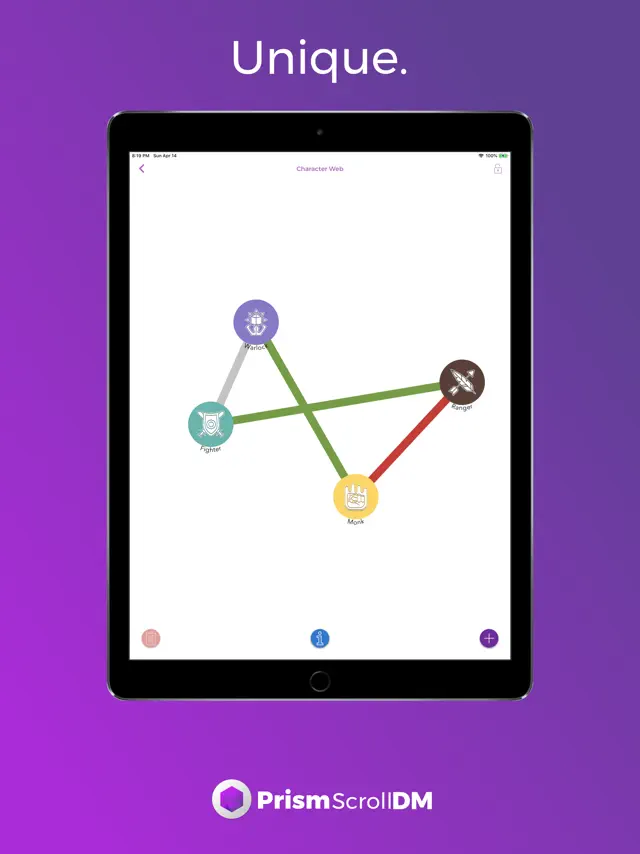
What sets this apart from other TTRPG tools is the visual clarity. The interface doesn't feel like a database; it feels like an interactive dashboard. While there is a slight learning curve to importing custom content, once you have your campaign set up, the ability to manage player sheets and world notes on the fly is indispensable. It’s an elite utility for anyone running 5th edition games on a mobile device.
Features
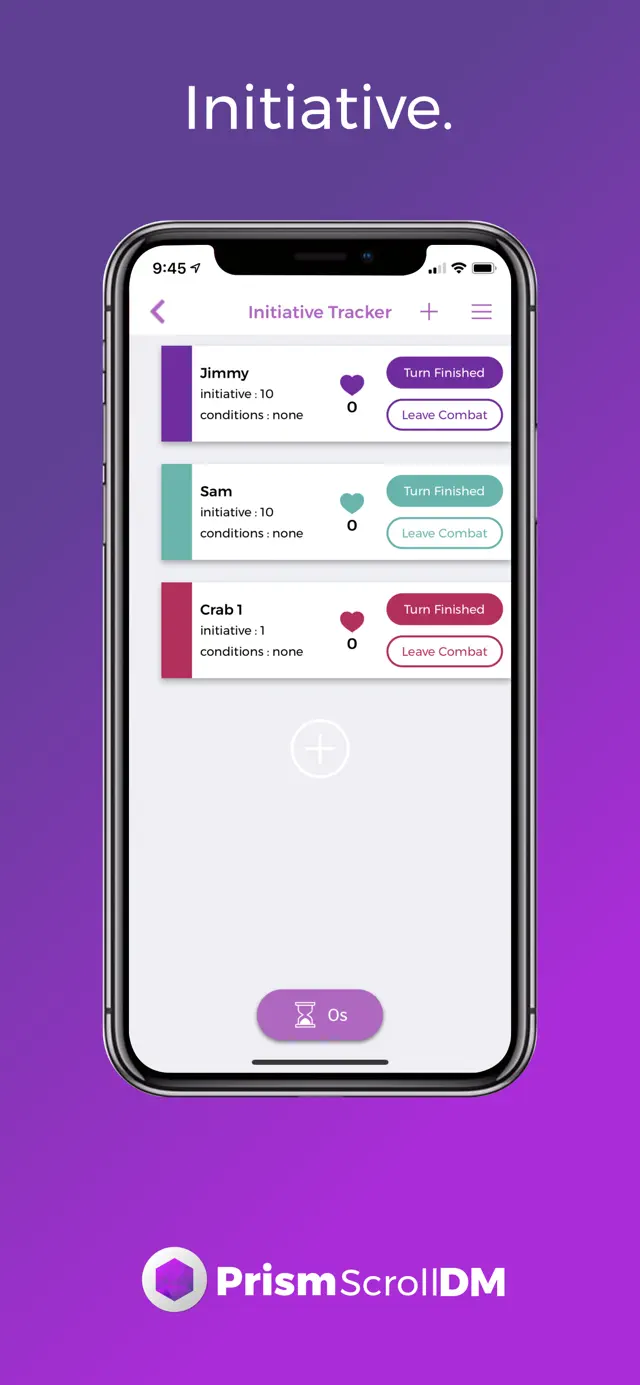
Dynamic initiative tracking
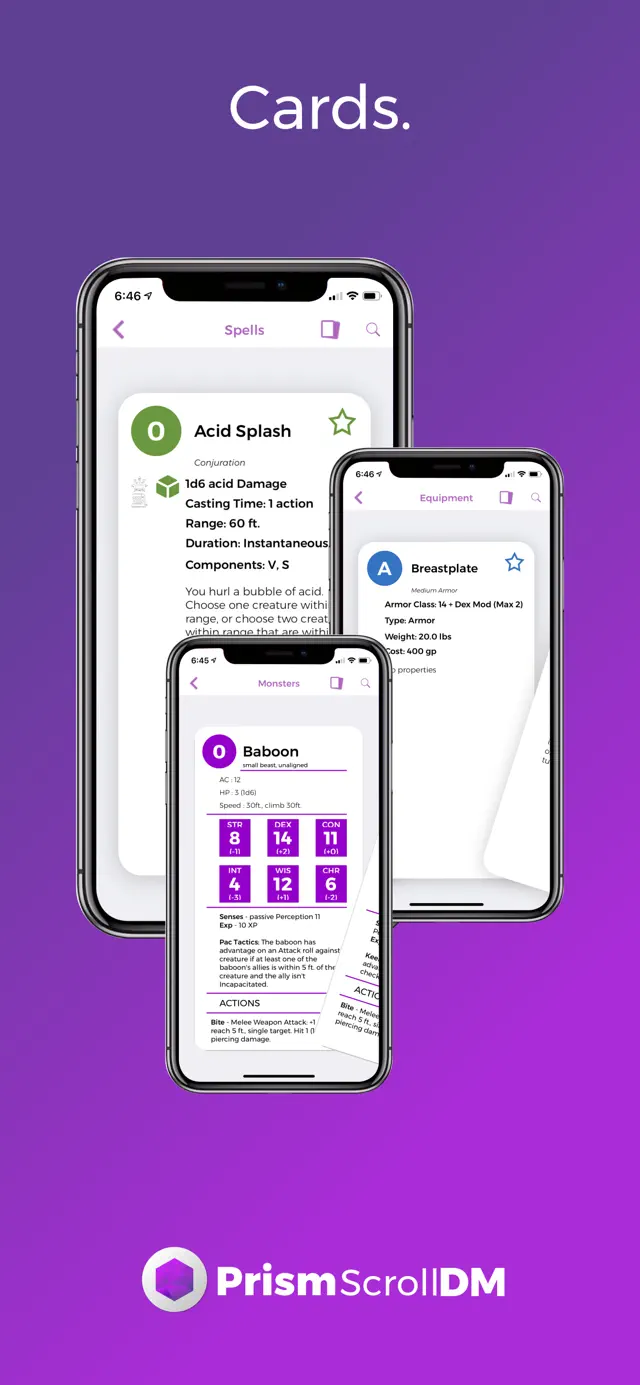
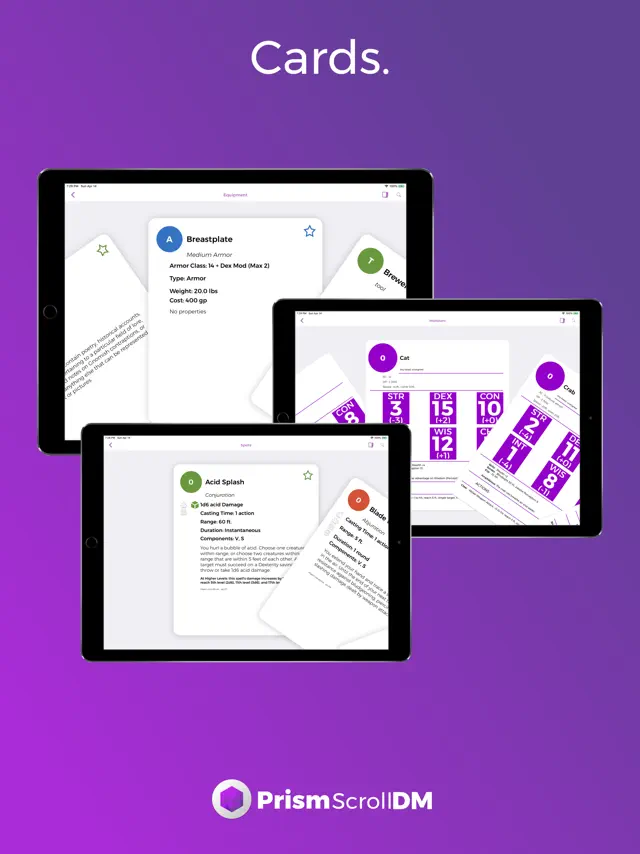
Full NPC and monster sheet support
Custom item and spell creators
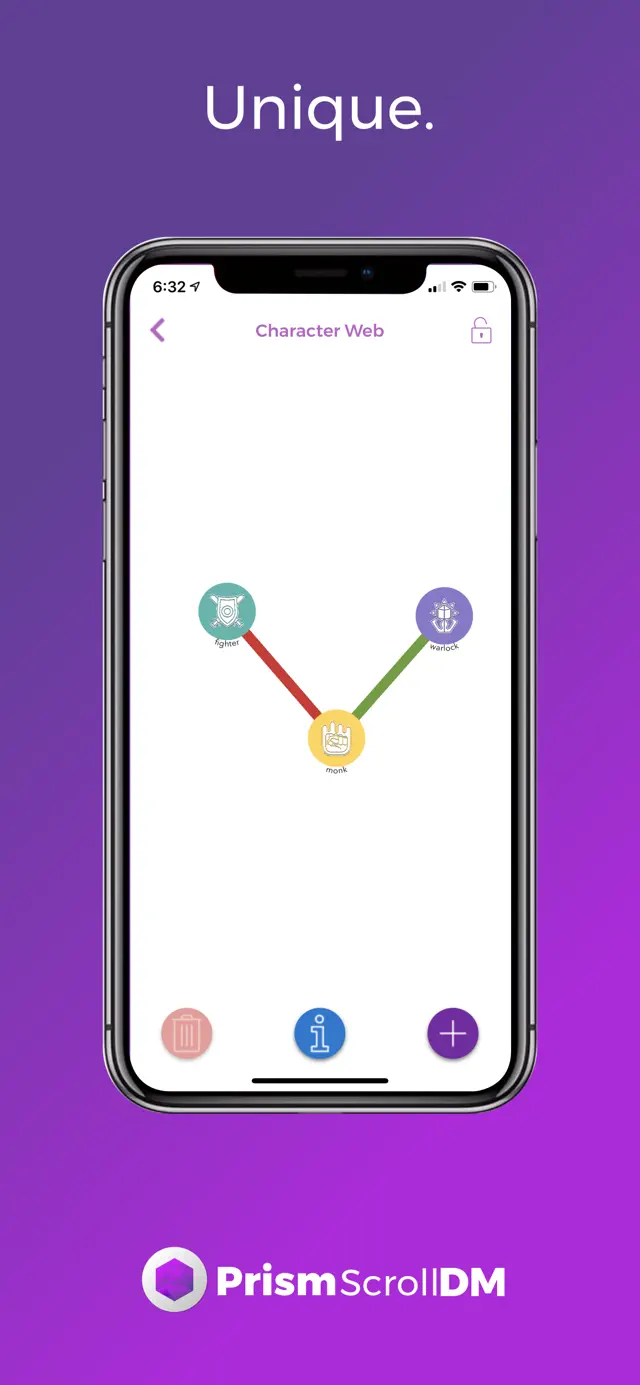
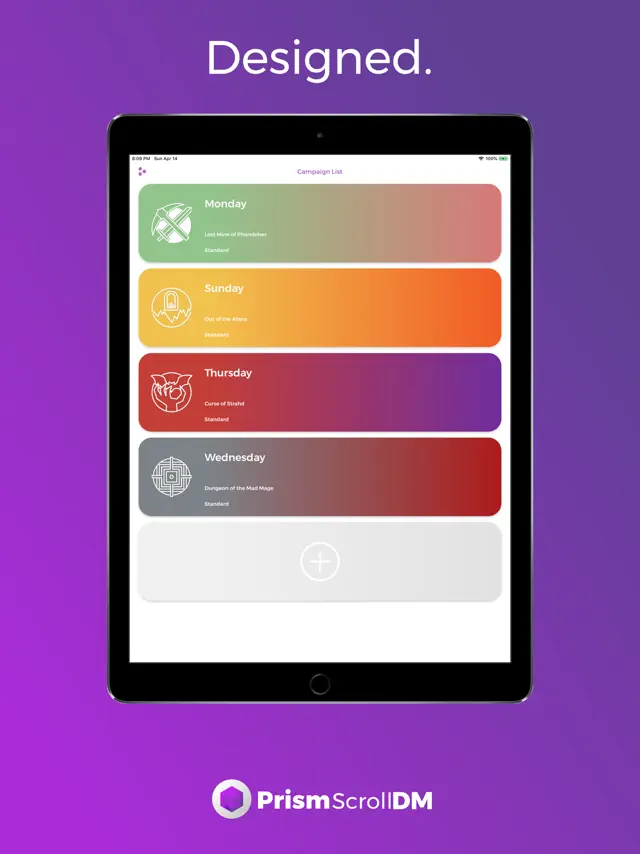
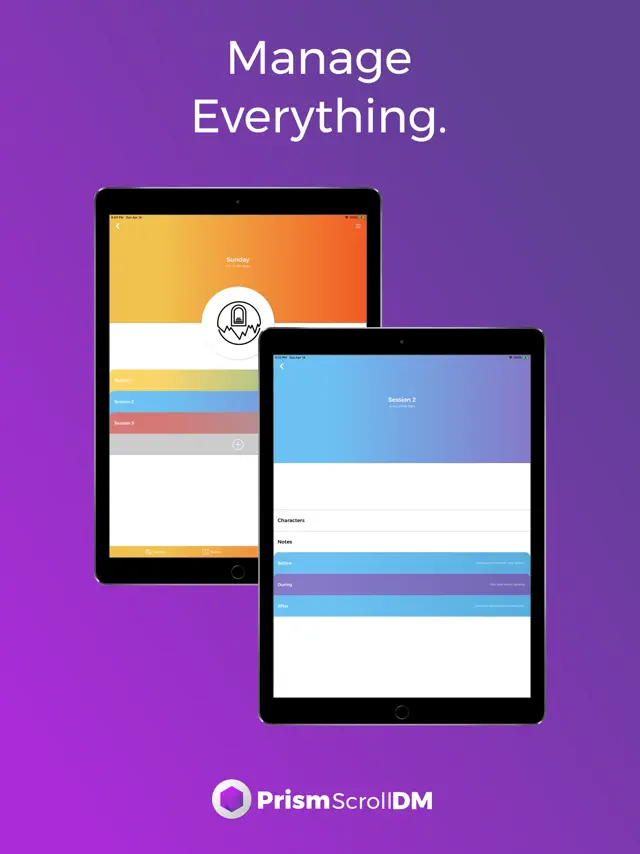
Campaign note organization
Condition and concentration tracking
Tips & Walkthrough
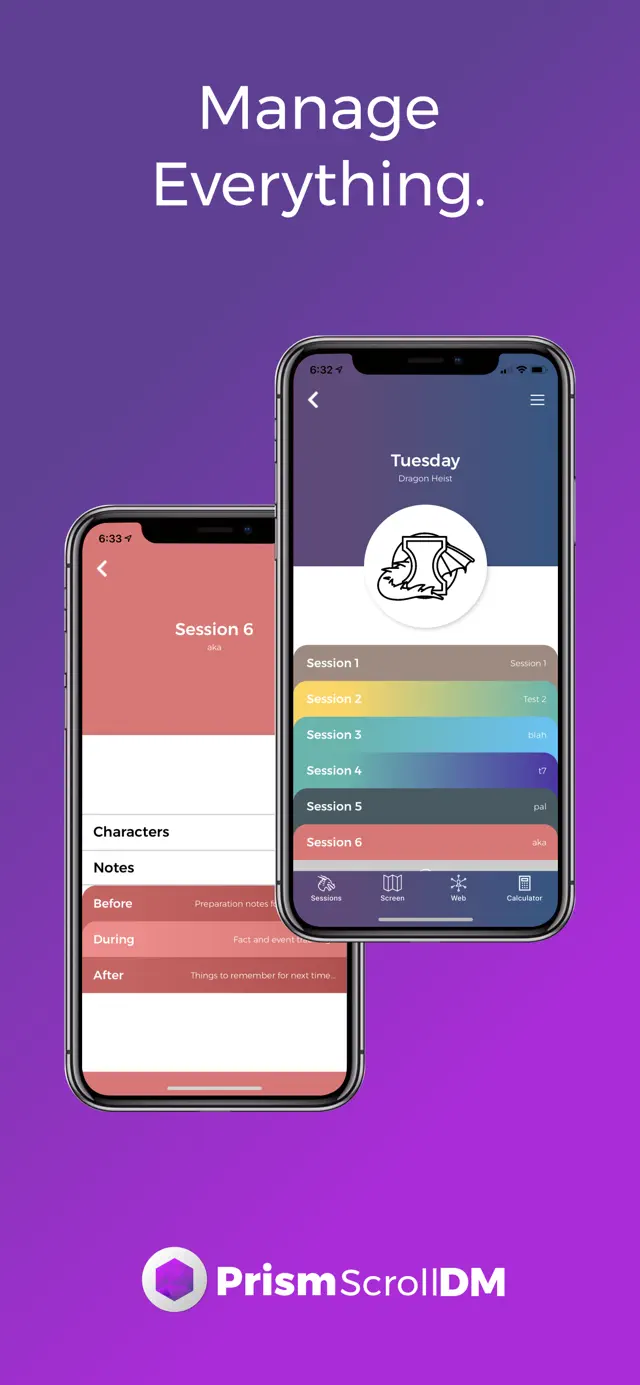
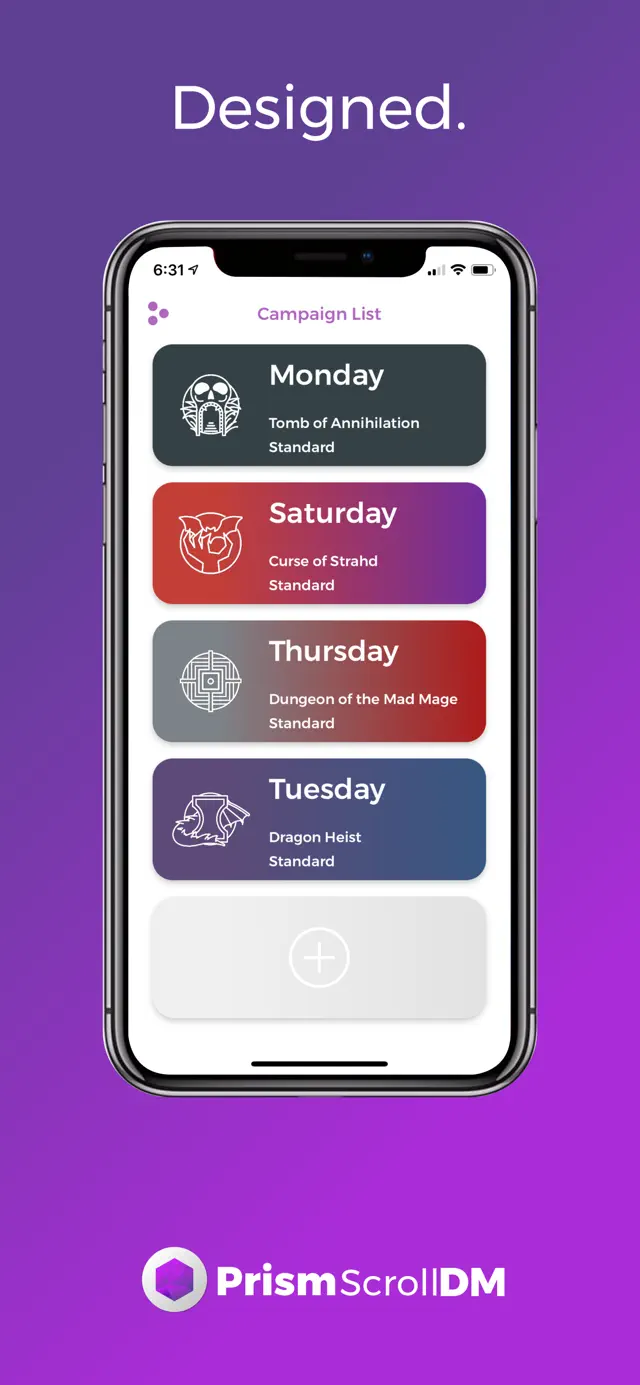
Start by creating a new campaign in the dashboard. Import your player characters' JSON files or manually enter their stats to link them to your encounter tracker.
Gameplays
Use the encounter builder to drag and drop monsters into a combat scenario. The app automatically calculates initiative and tracks health/conditions for all participants.
Screenshot
Q&A
Yes, you can create and import custom monsters, items, and spells via the creator tools.
Ratings & Reviews
Just bought today and I’m really enjoying it!
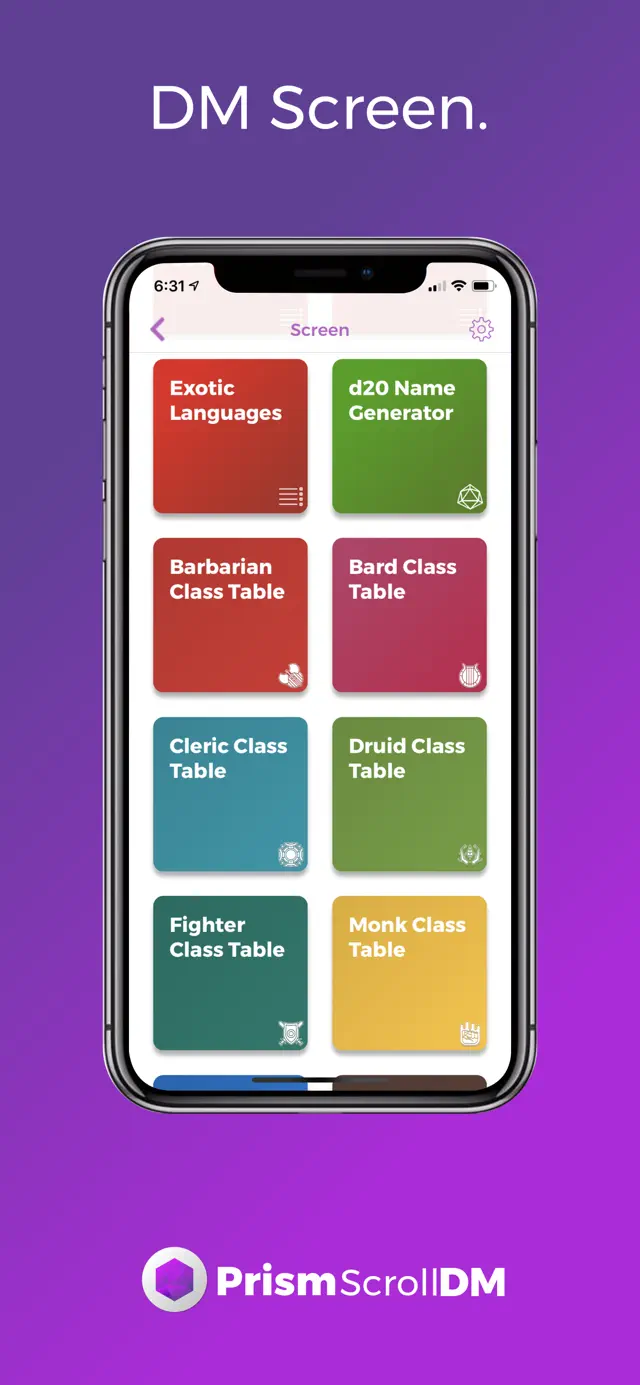
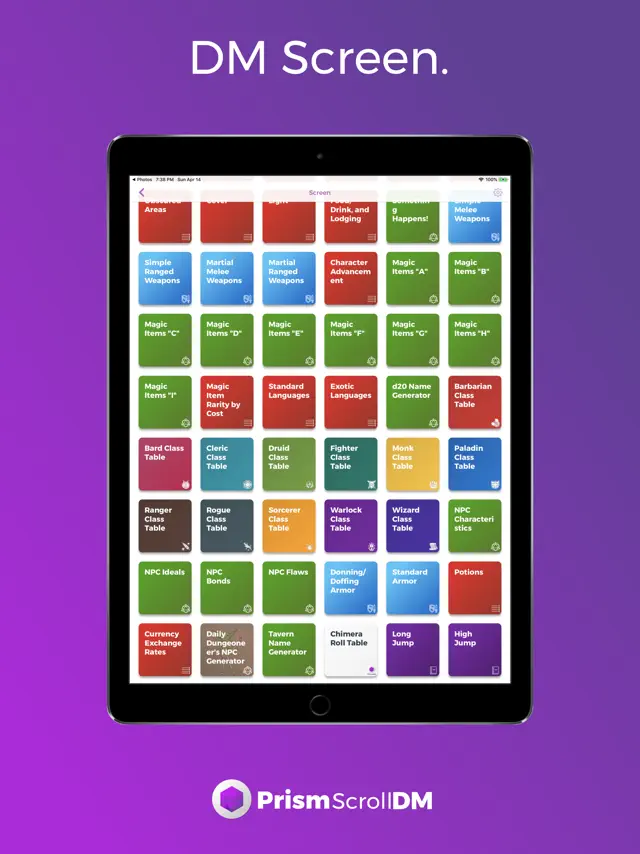
Wed Jun 30 2021 Sammi:-)I almost gave this 4 instead of 5 stars because I wish it were a bit easy to figure out some things. I’m having through figuring out if I can edit the screens cards and campaign cards, but I decided to go with 5 stars anyway because I have yet to check out the discord and I read in other reviews that that can be super helpful! I’m hoping that if I’m unable to edit the pre-organized DM screen that in a future patch I might be able to because, while things like different race names, actions in combat, and conditions are grouped together, the different class tables are not and there are some other things that I would prefer to rearrange. Just some things that are my personal preferences but this app is by far the most extensive and useful DM tool I’ve been able to find. I highly suggest getting it on Mac if you can just because it’s easier to navigate all the information than on a phone/iPad. Hope to see more content from the developers because it’s an awesome app!
4.8-5 stars. A must have for any DM
Wed Jul 24 2019 dndnsjsnsndjBought this as part of the Prism Bundle and let me say, this makes a world of difference. Instead of having to flip through countless books trying to find something specific, like a spell or racial feat from something less common, most of that is here and accessible within a few seconds. PSA: if you buy this, download discord and hop into their channel. You can speak directly to the developers and they’re very responsive. ALSO PSA: this app, while fantastic and easily the best out there in my opinion that I’ve seen, is still in its youth. Be patient with the developers and let them update their content. All in all, I’m beyond happy with the Prism apps and look forward to using them to adventure away into the sunset for many years to come.
Some things don’t work the best...
Sun Sep 22 2019 JennypolinskyHi. I have downloaded this program onto two different devices. For the most part it works fine, but on my iPad you can’t scroll down on the ability cards. All the other cards work just fine though. On my iPhone, I was also having trouble with the ability cards. This time is wasn’t that I couldn’t scroll down, it was that when I try to search for specific items, just just blocks out the search bar all together. It makes it so I can’t search. Those where my only problems with the app besides it not having all the creatures, but then again, who will? Over all, it’s a great app and is definitely worth getting if you are a dm.
A good start to a great DM tool
Thu Sep 03 2020 Joshua ErneyI’ve been on the look out for a decent DM tool to use during my games. I have found a few apps that are ok at a few things. But none of which have had a solid foundation for the future. The PrismScrollDM app has that solid foundation to build upon. The UI is clean and useful. The performance is outstanding, and further more the developer/developers are responsive and always willing to answer your questions. If I could wish for anything, it would be that PrismScrollDM would take some ideas of out the app Encounter+ I feel like the Prism team could make a much better, more refined version of that app. They certainly have the fan base.
Oh my…!
Fri Apr 07 2023 Haze KalasaThis is such an amazing utility. It certainly doesn’t replace my books but it’s pretty darn close. The navigation takes a little getting used to but it is fairly intuitive once you go through a few screens. There’s a balance between automatically populating data and keeping it free form enough to allow for tweaking things to fit my needs. I’ve run various games over 35 years and have used a lot of different tools (screens, apps, etc.). Prism may be the one to rule them all. For my next campaign I plan to make this the only thing I use outside of the books.
Fantastic app!
Mon Nov 04 2019 Duderox129This is clearly a very useful tool for a DM, and I definitely see myself using it in the future to better organize my sessions. Keep up the wonderful work! I only had two concerns from my experience with the app so far. My first concern is that I can’t seem to resize the icons on my DM screen - I hid most of the panels and now only about half of my screen is taken up, and the text on the panels is broken up and incomplete. It would be handy if I could make them larger so I can fully read the panels before tapping on them. My second concern is that my characters’ info isn’t always updating when I hit “save”. The icon in particular seems to change to one that I didn’t select. I also had a few crashes when attempting to edit a character that didn’t have an icon (for some reason, even though I selected the arrow & feather icon, it switched to the generic person icon after creation). Other than the few hiccups, I thoroughly appreciate this app and how it simplifies the work necessary for being a DM.
Definitely a Labor of Love
Sat Nov 02 2019 OzzyAM DesignsMe and my friends are in the early planning stages of making a DnD Podcast, and finding this has solved a lot of organizing and planning issues we’ve experienced! We use this and the character sheet app and without a doubt these are the most complete apps of their kind on the App Store. The only thing I can see that would make this one better is if the compendium had the option to be organized by challenge rating and monster type rather than just the default alphabetical order. I cant wait to see what they do with this and highly recommend it to any DnD enthusiast, DM or otherwise.
Amazing, but...
Fri Mar 13 2020 AnonReview29I think this app is great! I use it both as a player to keep track of what has been happening in our sessions and now as a new DM to organize my thoughts clearly. The one thing I have noticed would make a world of difference for me is that the notes feature for sessions is nice but could be refined a bit. If there were a feature in the app similar to the journal in the character sheet app (that could show locations, events, etc) in the dm app maybe accessible in the hotbar at the bottom or in the session menu, I could keep track of everything a lot better. Thanks for the amazing app!