
Note Rush: Music Reading Game
Learn notes on your instrument
Ratings
Age
4+
Category
Games
Languages
English
Wed Oct 25 2023
Lots of improvements/fixes in this update:
- Improvements to the Audio Recognition Engine.
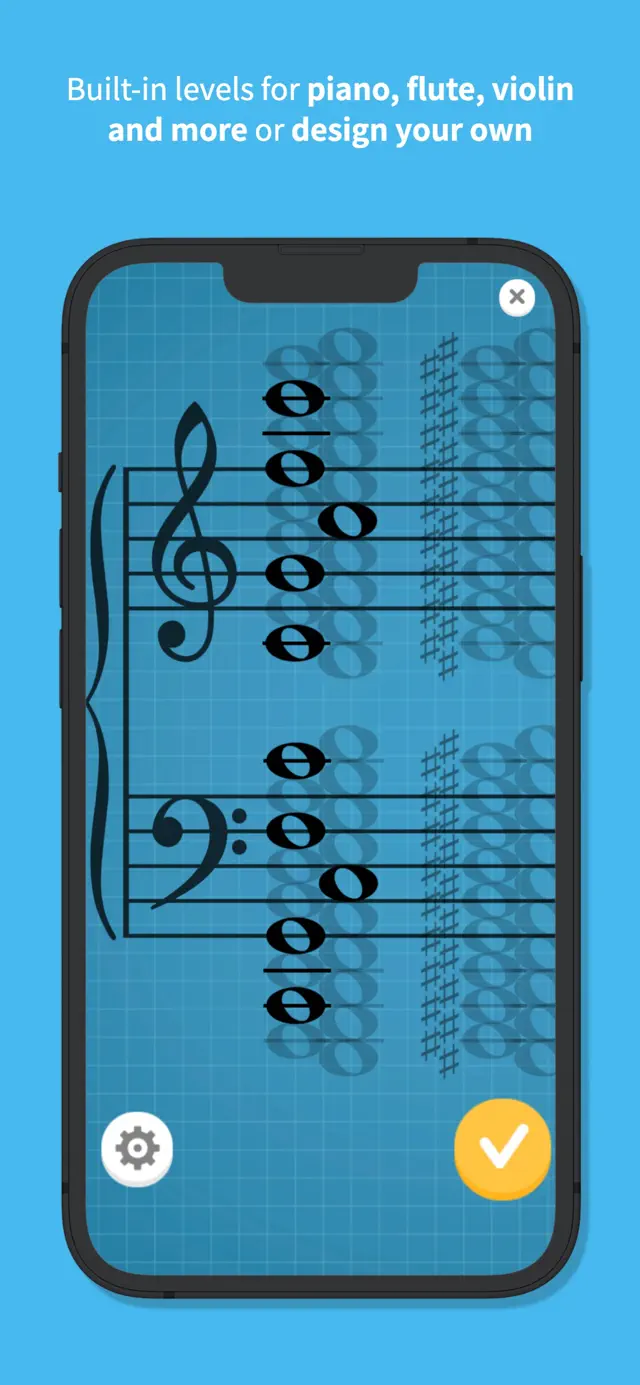
- Level Designer has now been given its own dedicated tab at the top of the level selection screen, as it has proven difficult to find in the instrument list!
- Fixed: Note not blinking on incorrect note input.
- Fixed: Total time on level completion sometimes shows 1 second more than the correct time due to a rounding error. (Thanks Michael Cuthbert)
- Fixed: MIDI input not handling NoteOn(velocity=0) as a NoteOff event, which could be causing issues with MIDI behaviour more broadly. (Thanks Peter Ludbey)
- Decreased how long you have to play a non-concert pitch note to calibrate to it.
- Increased sensitivity to incorrect notes (you had to play it for a long time before it registered before).
- Increase tuning requirements to help reduce misidentified semitone-adjacent notes.

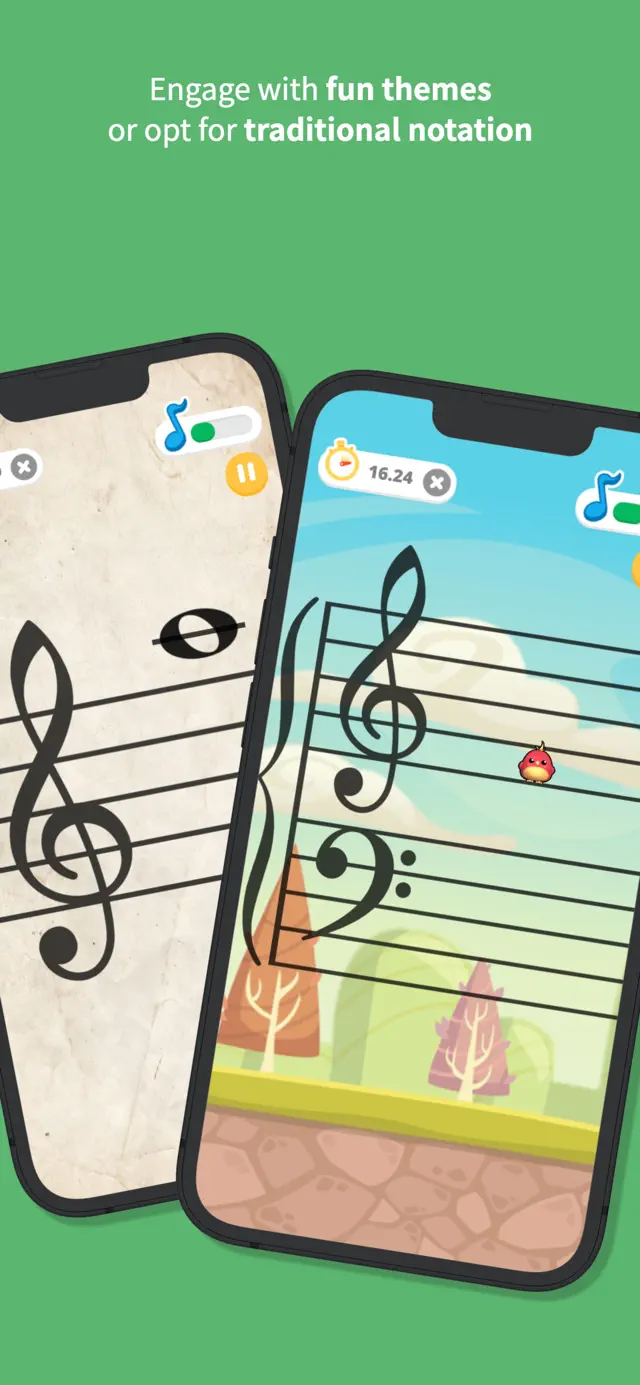
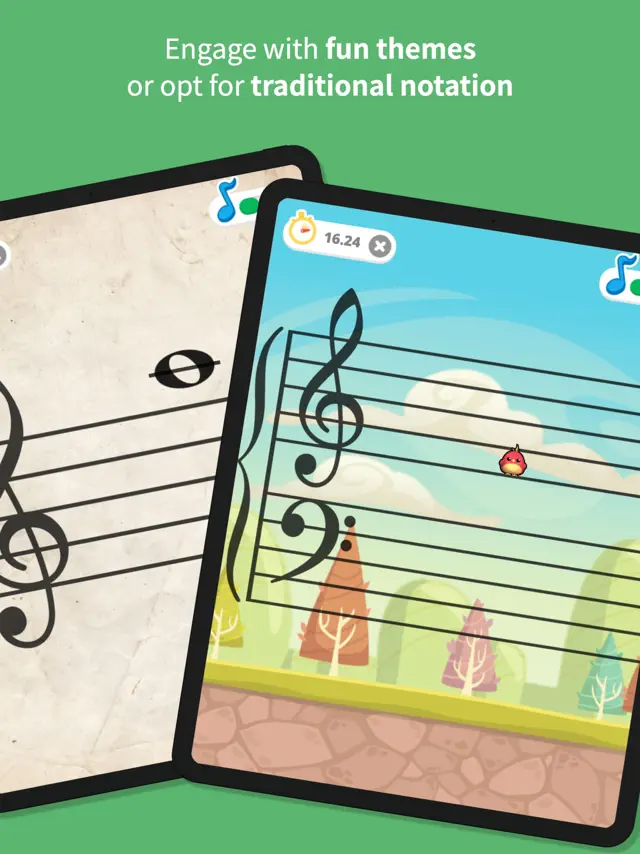
Note Rush is a revolutionary music education app that listens to you play your real instrument to help you master note reading. Unlike other apps, Note Rush uses the microphone to detect the pitch you play, creating a direct link between the musical staff and your instrument. Whether you are a beginner learning your first notes or an advanced student looking to increase your sight-reading speed, Note Rush adapts to your needs. It features various fun themes, customizable note ranges for Treble, Bass, Alto, and Tenor clefs, and a 'Teacher Mode' to create custom levels for students. It’s the digital equivalent of flashcards, but much more engaging and effective for building muscle memory.
Dinsun Expert Review
Our Expert Score
As a piano teacher, Note Rush is the 'holy grail' of apps I’ve been waiting for. The brilliant thing about this app isn't just the colorful graphics; it's the acoustic note detection. Unlike other games that use an on-screen keyboard, Note Rush listens to your actual instrument—be it a grand piano or a flute—and gives instant feedback. It bridges the gap between seeing a note on a screen and physically playing it on your instrument.
The customization is where the app truly shines for pedagogy. I can set a specific range of notes for a student who is struggling with just the ledger lines, or keep it simple for a five-year-old's first lesson. The 'themes' like Space or Winter Wonderland keep kids engaged, but the core mechanics are robust enough for adult learners too. It turns what used to be boring flashcard drills into a high-score chase that students actually want to do at home.
Features
Real-time pitch detection via microphone
Works with Pianos, Keyboards, and most acoustic instruments
Supports Treble, Bass, Alto, and Tenor clefs
Custom Level Designer for teachers
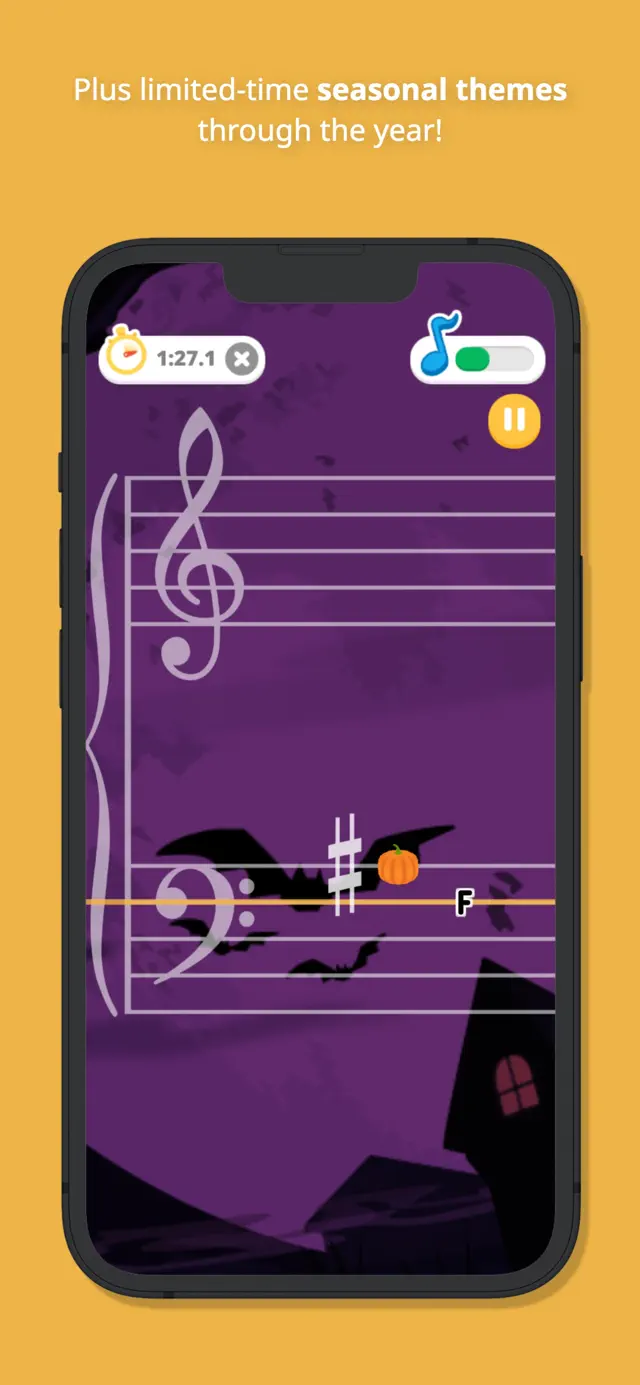
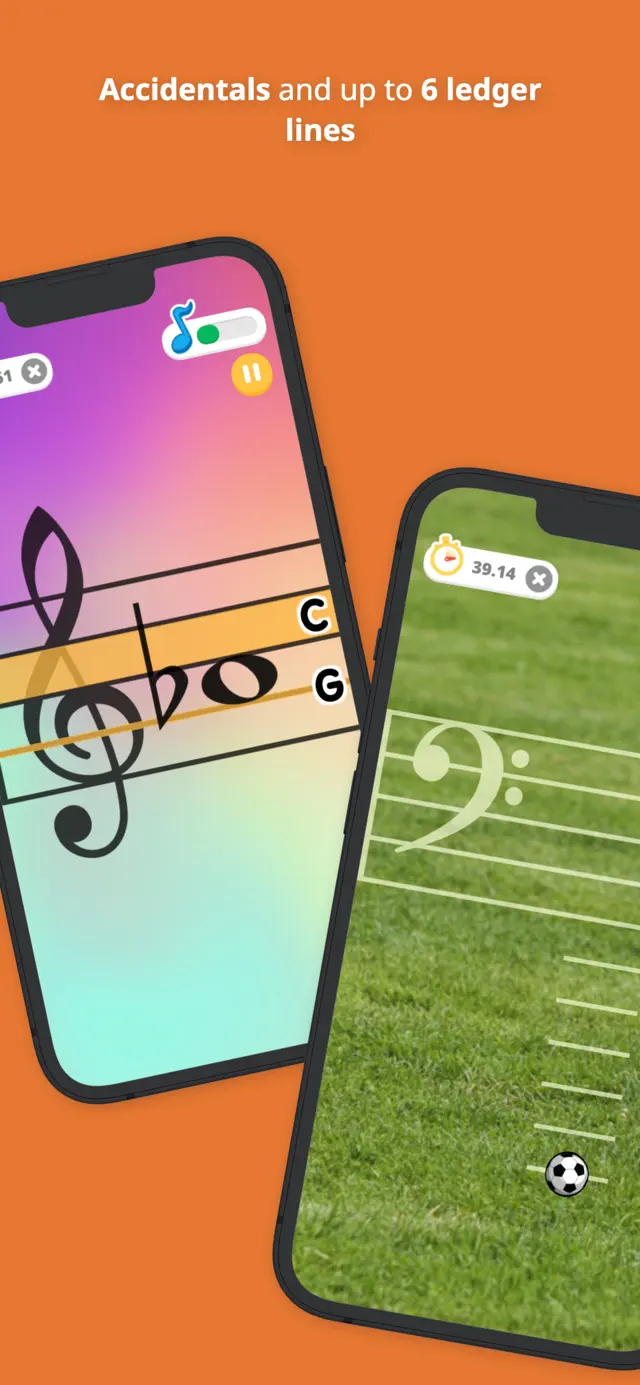
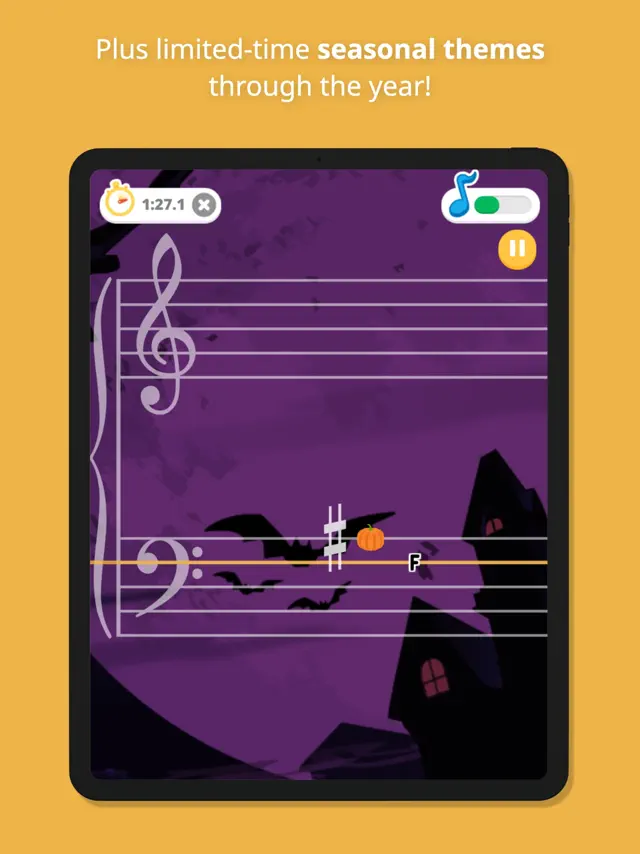
Fun themes including Space, Soccer, and Seasonal designs
No ads or in-app purchases required for core play
Progress tracking with star ratings
Tips & Walkthrough
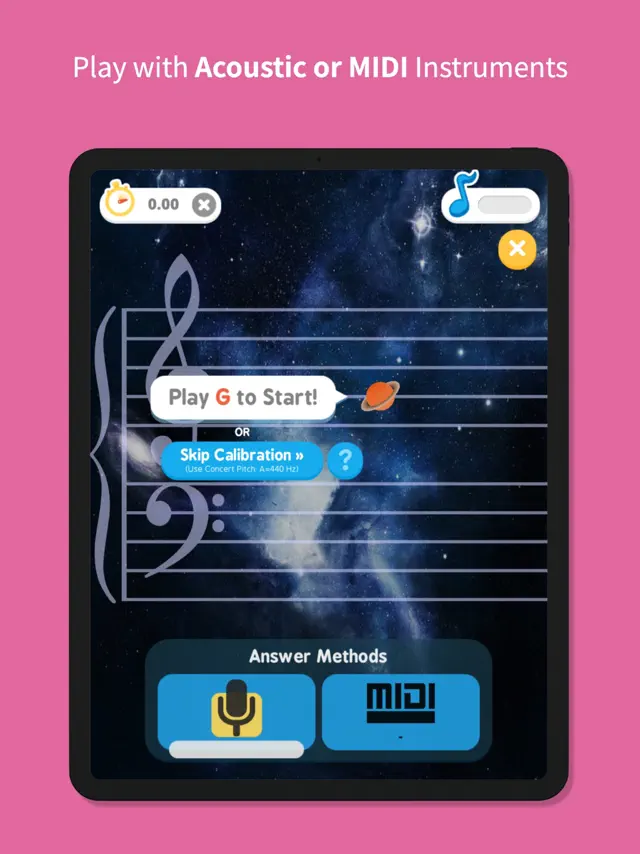
When you first open Note Rush, ensure you are in a quiet environment. The app will ask for microphone access. Play a few notes on your piano or instrument to ensure the 'Ear' icon at the top of the screen is reacting. This calibration ensures the app accurately identifies the notes you play during the game.
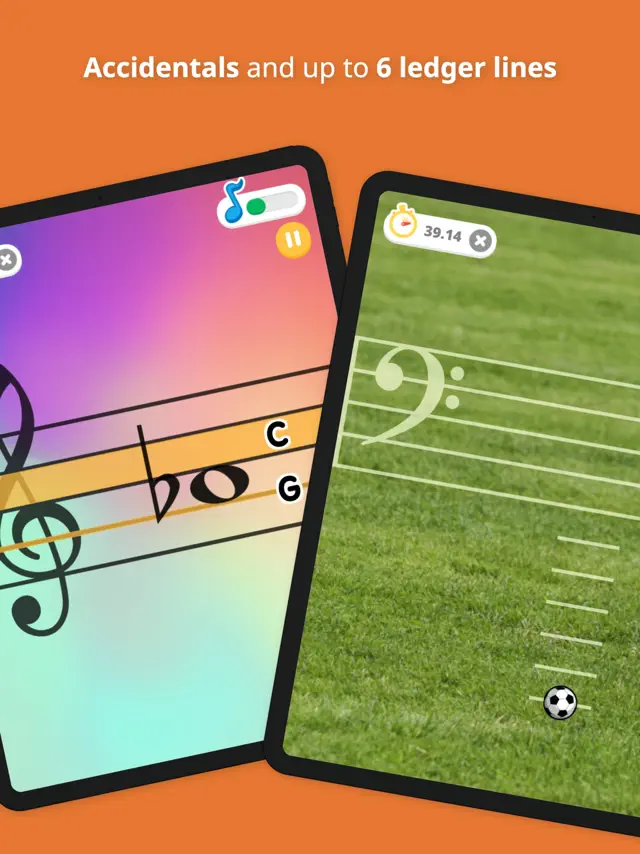
Choose from preset levels like 'Middle C Position' or 'Grand Staff.' If you are a teacher or a more advanced student, use the 'Level Designer' to select specific notes you want to drill. This allows you to focus specifically on trouble spots, such as high ledger lines or specific sharps and flats.
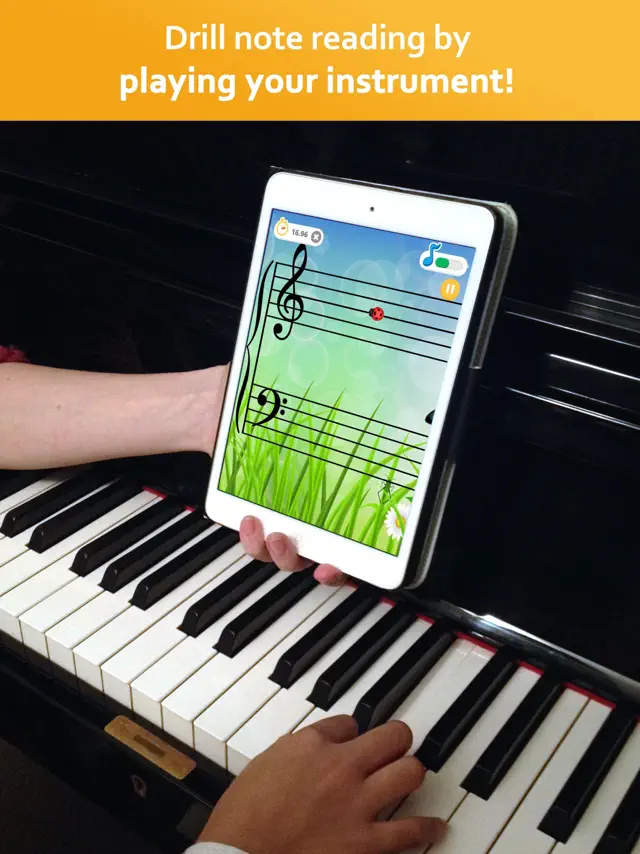
A note will appear on the staff. Instead of tapping the screen, play the corresponding key on your piano. If correct, the note will turn green and move to the next. The goal is to finish the round as quickly as possible to earn stars and beat your personal best!
Gameplays
The core gameplay utilizes advanced pitch recognition technology. This encourages 'eyes-on-page' playing, as players look at the screen for the note and then down to their hands, mirroring the actual process of reading sheet music.
If you play the wrong note, Note Rush shows you where the note you played sits on the staff compared to the target note. This visual correction helps students understand the distance (intervals) between notes immediately.
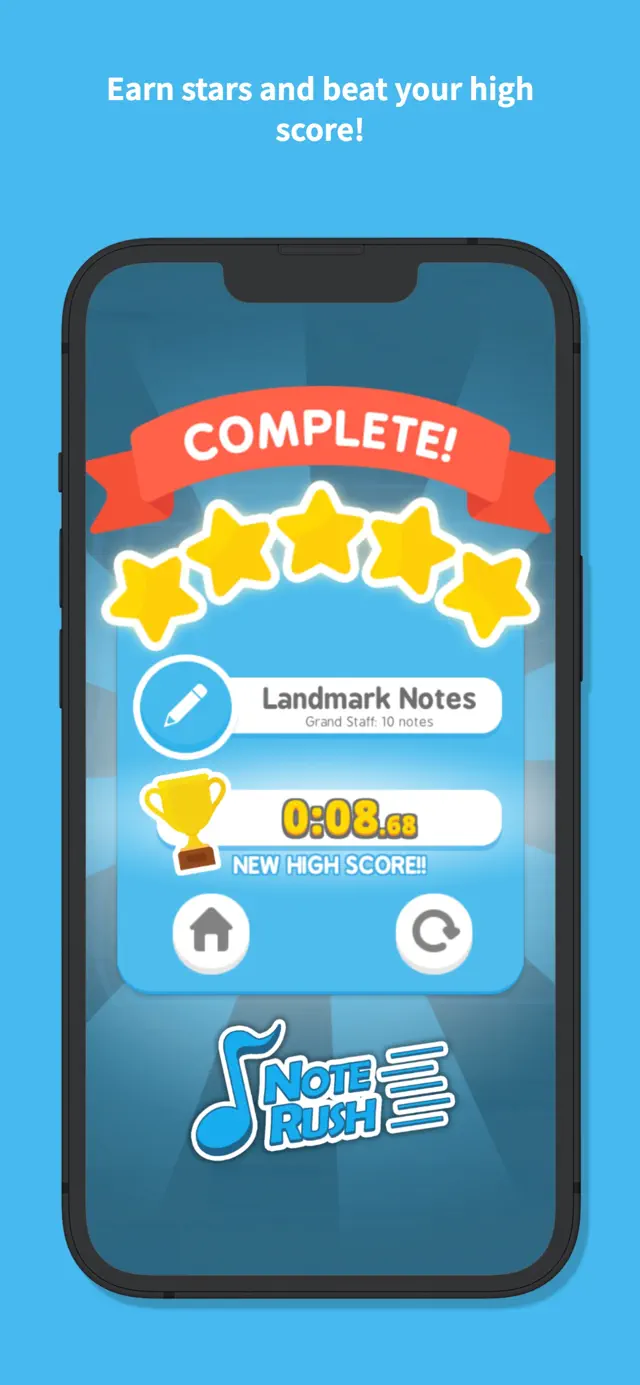
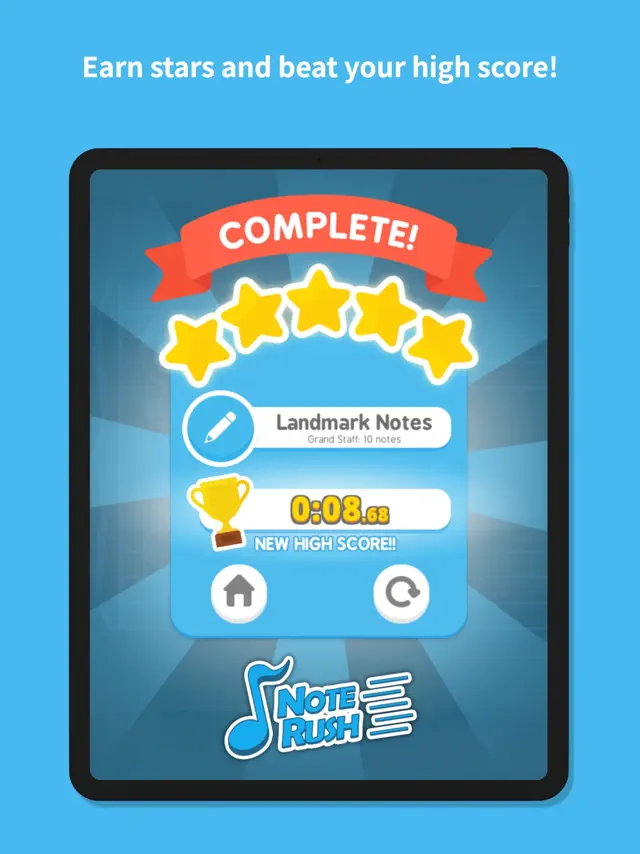
Each round is timed, encouraging the development of 'automaticity'—the ability to recognize a note instantly without thinking. High scores and star ratings provide a gamified incentive to repeat drills.
Screenshot




Q&A
No! Note Rush uses the built-in microphone to listen to your instrument, so it works with any acoustic piano or keyboard without cables.
It supports Treble, Bass, Alto, and Tenor clefs, making it suitable for almost every instrument.
Ratings & Reviews
it is very good but there is room for improvement
Sat Jun 28 2025 Bonanote52I found the app very good, I like it and I am using it daily. But it could be significantly improved if it would add the possibility of editing more repetitions than the maximum of 10 that it is now allowed. Ten repetitions might seem OK if your excercise has 15 or 20 notes, but if you are trying to improve 2 or 3 or 4 notes, then 10 repetitions goes by fairly fast. Also you get one note at the time, that is not the way you read music, the program should show at least 4 notes and then go replacing the one you play by another one at the end, so you always have 4 notes to read on the screen. Finally the statistics should show which notes you got wrong on any given exercise, so that it is easier then to configure new exercises adjusted exclusively to the notes you are getting wrong with higher frequency. I think that with these changes it would leave the competition in the dirt 😂😂
Good starter, but could use refinement.
Mon Nov 13 2023 Heli-AV8RSome of the timed sessions are too short, and it should have a continuous scrolling option. My only REAL complaint though, is that the app does not always detect a note being played. Maybe it’s calibrated for acoustic pianos, I don’t know, but my digital piano needs to be turned up pretty loud, and or I have to slam on the keys for the app to detect a note being played. This is aggravating when you are trying to beat a time, and you are pressing the correct note, but the app is not giving you credit for it, and you have to press it a second time to get the app to register that you’ve pressed it at all. That needs to be fixed. Edit: after a few more days of using the app, I am getting even more frustrated at it in ability to detect certain notes when they are played. For me, it is primarily the G and the F. This is particularly frustrating when you are trying to beat a certain time on a drill and you can’t because even though you have pressed the correct Notes, it is not detecting it, and you need to sit there, confused for a few seconds about whether or not, you played the wrong note only to find out you did play the right note and now I have to play it again.
Changed from 2 stars to 4
Fri Mar 15 2024 UMBobbyWhen I submitted my first review, I was not yet aware of the ‘Level Designer’ feature and I rated the app at just 2 stars. However, now that I’ve used the app for several months, including the level designer to create custom exercises, I am much more pleased with the app. It is still true that the sensitivity of the app at recognizing notes is not always great, as described in depth in other reviews, nonetheless, I think it works sufficiently well to make this app worthwhile using. It is helping me become a more proficient note reader, and I’m enjoying using it. For users of digital pianos, like me, if the app isn’t picking up the notes correctly with the default sound (grand piano in my case) you might try using a different type of sound, like an electric piano, or some other instrument that gets sensed more accurately by the app.
Great app for all, indispensable for nonstandards
Sun Sep 17 2017 MedibrewIf you play transposed and/or play a non-chromatic instrument or an instrument with limited note range, you will not find a more powerful tool for learning to sight read. I hear that piano teachers love this as well, but for me it's indispensable. I am learning to play the Bulgarian kaval. I play transposed 1 octave on my C kaval, and transposed 1 octave+1 on my D. For that reason, most apps that use the microphone to detect what note you play in response to the prompt on the screen don't work for me. This app calibrates to your middle C at the beginning of each round, and it doesn't mind at all if my middle C is really a high D. I had a problem with this app at first because you have to choose from a small selection of levels to play, each with a different range of notes. Unfortunately, none of those levels very well matched the range of notes the kaval can play. However, Note Rush is now beta testing an update that allows you to custom create your own levels. I'm one of the beta testers, and it's wonderful! I have now created levels for all the naturals in the kaval's range, all the sharps, all the flats, all the accidental, and finally all of the notes on the kaval. With this update, I've been learning faster than ever before, and there's nothing else out there that will do this that I have found. Plus I really like the low pressure format. In Note Rush, the note prompt stays on the screen until you get it right. In many other apps, the notes speed up and when you can't keep up, you lose. I'm a low stress kind of person, and I definitely prefer Note Rush for that. Note Rush does track your best time on each level, and rewards you for improving, but there's no losing; you're always at your own pace. The developers have been extremely responsive to users' suggestions for improvements, and they have built a near perfect app. Get it. You won't be disappointed (even if your instrument is in concert pitch, chromatic, and has a large range 😃).
Quickest way to memorize notes!
Thu Feb 02 2023 ChloeNMCI haven’t played the piano in many years, mainly because it’s been so frustrating trying to play more advanced songs when I’ve forgotten the higher and lower notes on the scale. This app has helped me recognize notes much faster within the first two days I’ve used it! It lets you isolate bass and treble or practice them together. It also lets you start with the notes around middle C and then move to other levels that bring you gradually further and further out fro middle C. And you are literally training yourself to see a note on a scale and press the appropriate key, rather than memorizing whether it’s A, B, C, etc or just matching it with an image of a piano key. I highly recommend it- totally worth the $4.99 I spent on it.
The perfect app to learn piano notes!
Wed Mar 09 2022 57633$I wanted a simple app that could help me learn and memorize treble and bass clef notes on my piano. This app did exactly that!! Warning! This timed game style format is addictive as you try to beat your time. While the audio recognition was good, the MIDI connection was perfect allowing me to practice and not wake up the rest of the family. I wasn’t using the theme notes until my grandson came over and wanted to try playing but only using the soccer ball and the ghost at Halloween; what a brilliant idea to encourage children!!! My only request to the developer is to now create the ability to learn and practice chords in addition to single notes ( with MIDI connection this should be workable ). Well done app! Thank you
Awesome app for adults.
Wed Oct 13 2021 aewaustinIn reading the reviews I wasn’t really sure what I was going to get, but so glad I purchase this app. It’s actually my first review ever for an app because I’m quite surprised folks don’t love it more, and wanted to share my take on it. I am learning piano and just wanted to have an app to figure out the notes with, it’s absolutely perfect for that. You get to choose exactly what notes she would like to practice and then it makes a little game for you to practice, just in the 10 minutes I used it it was so helpful. So definitely purchase if you want a simple to learn notes. And for adults it has just a simple interface that doesn’t have animals or goblins or anything for kids.
Bad reception—good concept
Fri Oct 07 2022 ved IyengarAlthough this game has an amazing idea of teaching students how to learn notes (as a student using this app for years now), it's response to notes is garbage. I really feel bad writing this review, because it as always been my go-to piano practicing app, but I think it is time to point out the problems. Often times when I am playing notes correctly, it glitches. Sometimes, it gives me a couple of seconds penalty (even when I am playing the notes correctly and in the correct octave), while other times it just completely ignores me. Either way, the app is glitchy. Even though of it's defects, in the long run, it helps get the job done. Amazing concept and I really think it definitely hooks players. Looking forward to the new update!!