LEGO® Builder: 3D Instructions
Build solo or as a team.
Ratings
Age
4+
Category
Entertainment
Languages
English
Mon Feb 09 2026
We’ve made the LEGO Builder experience even more awesome. How? Well, we fixed some pesky bugs and improved performance in the app. Now you can build even bigger, better than before!

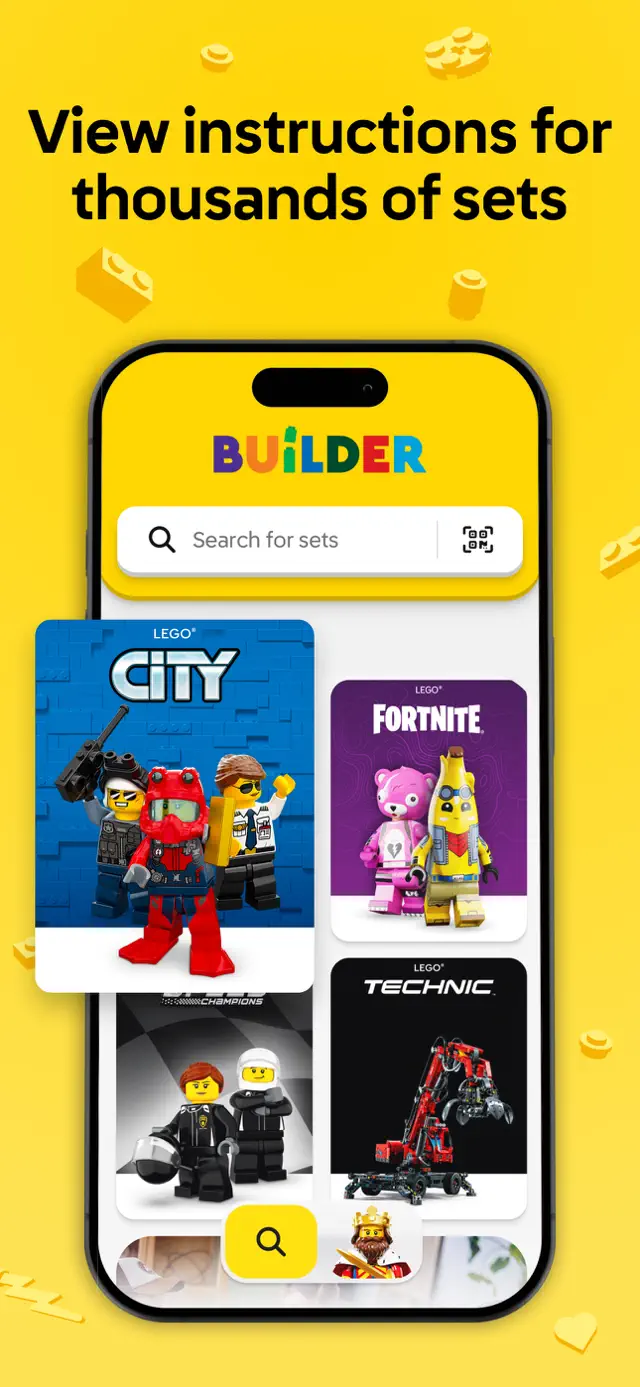
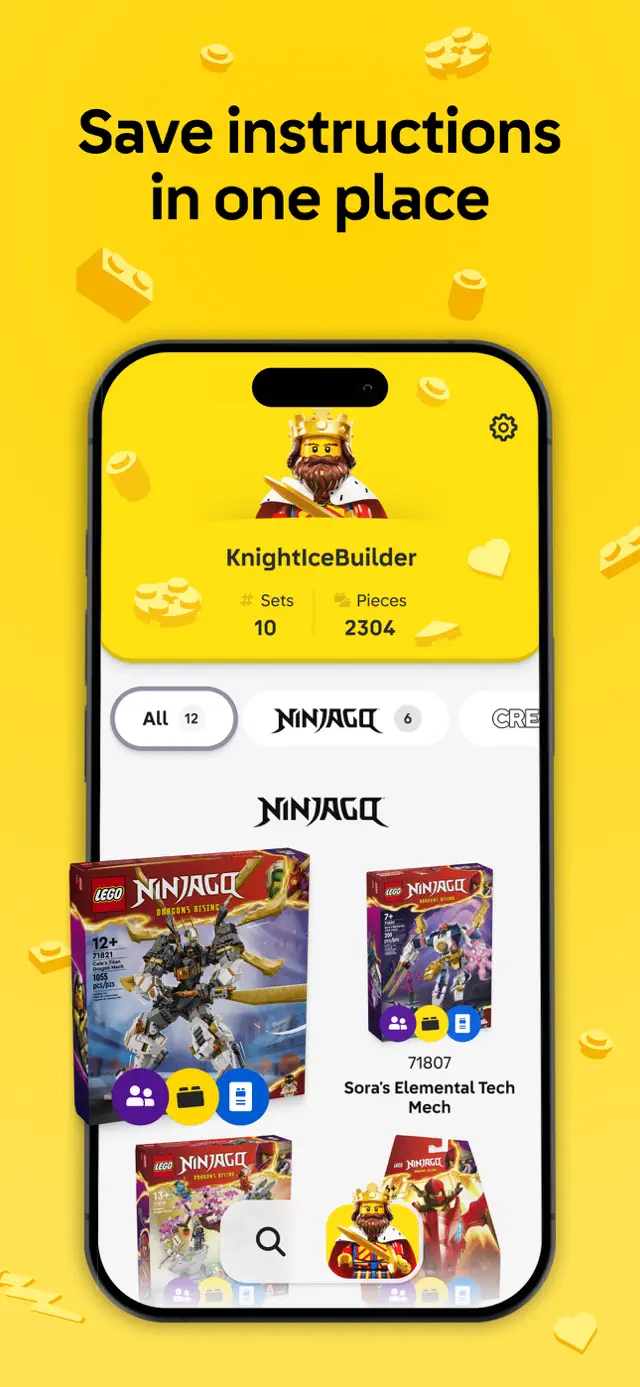
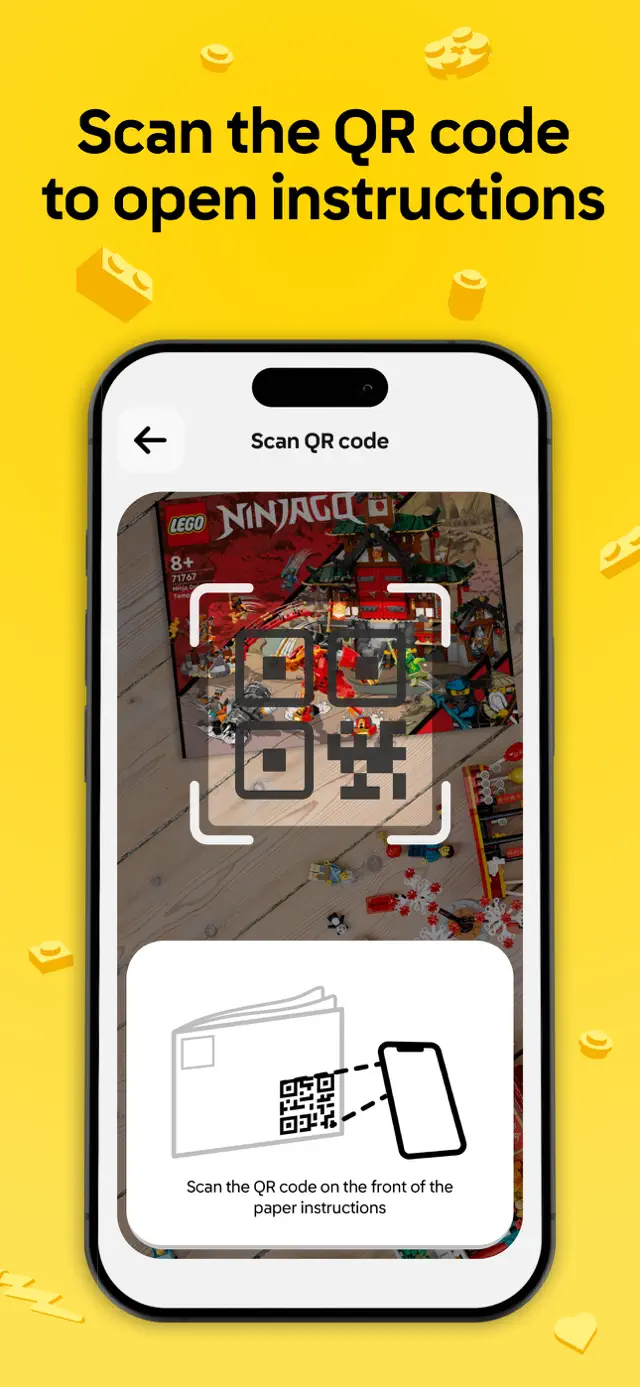
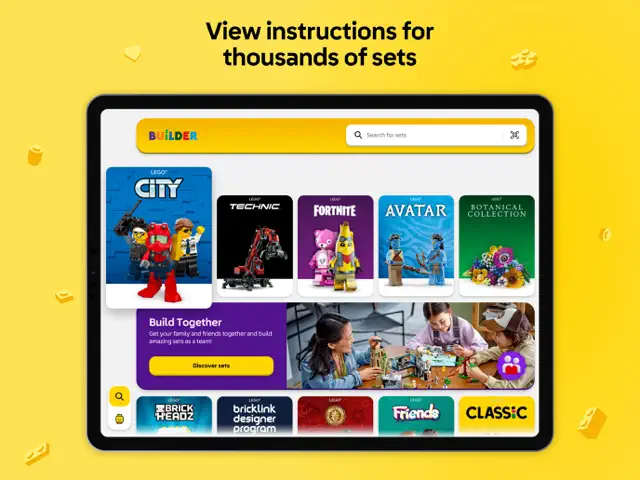
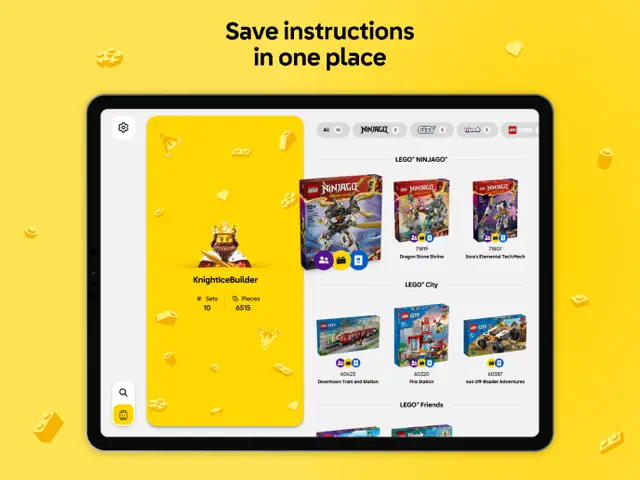
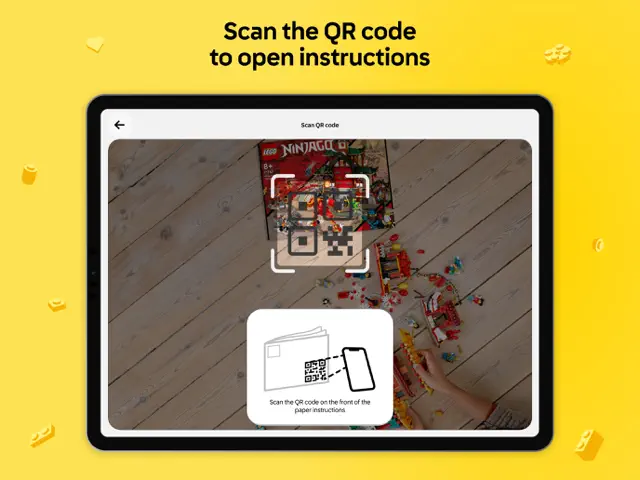
LEGO Builder is the official app for digital LEGO instructions. It offers a revolutionary 'Build Together' mode for family projects and 3D viewing for supported sets. Users can scan the QR code on their instruction manuals to instantly unlock the digital version and manage their entire collection in one place.
Dinsun Expert Review
Our Expert Score
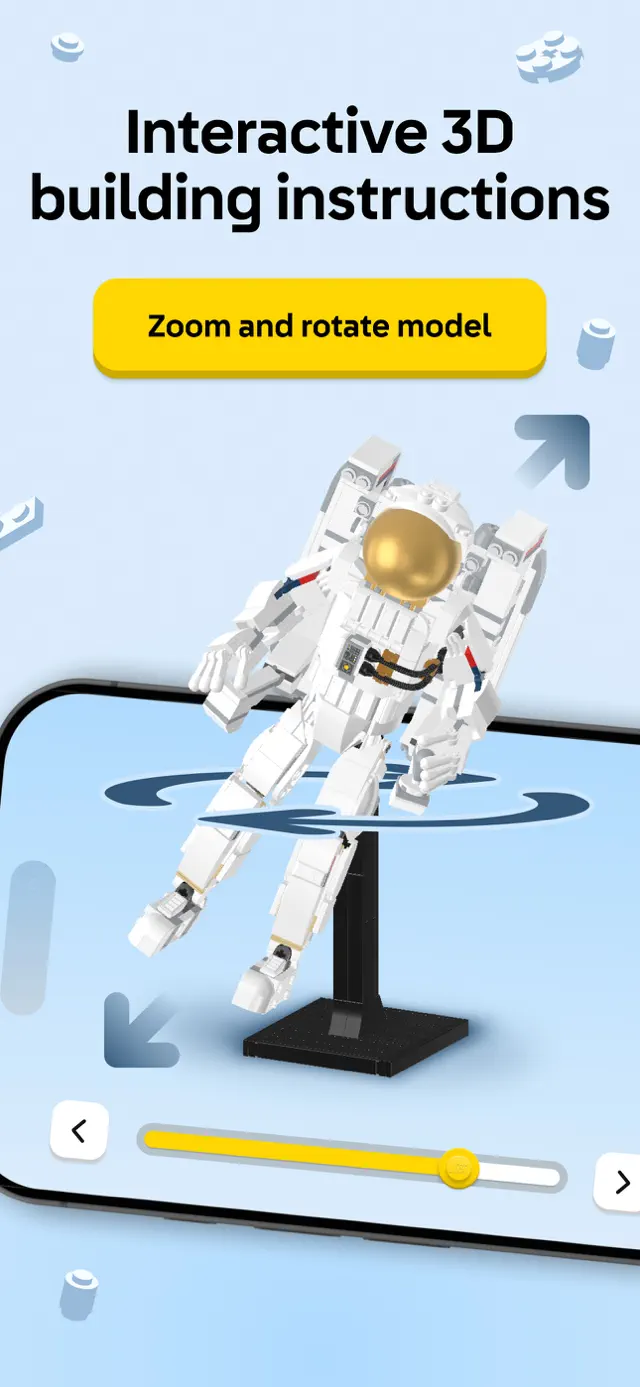
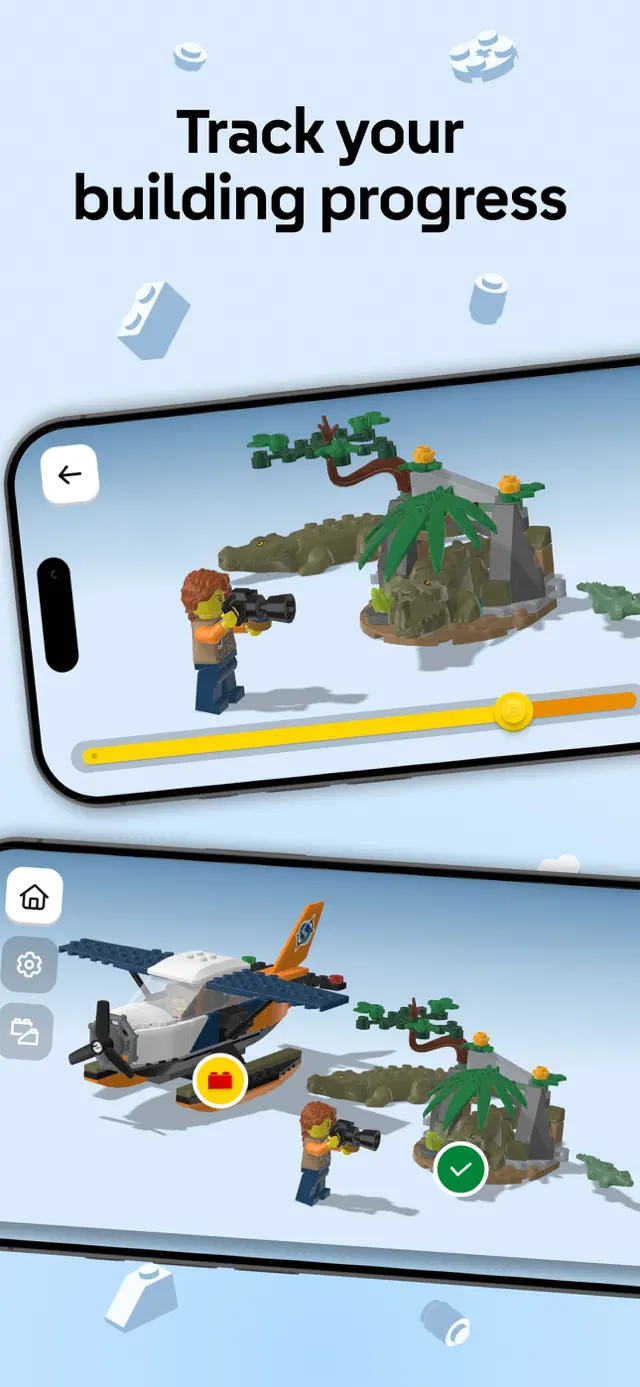
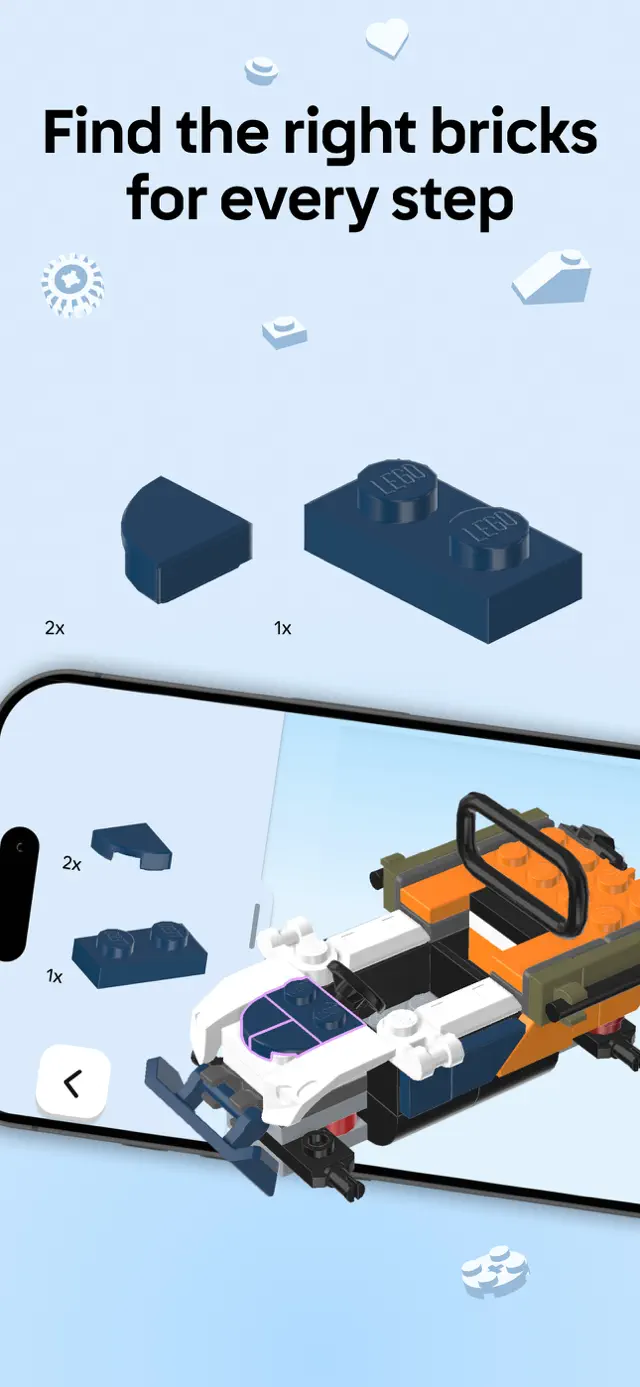
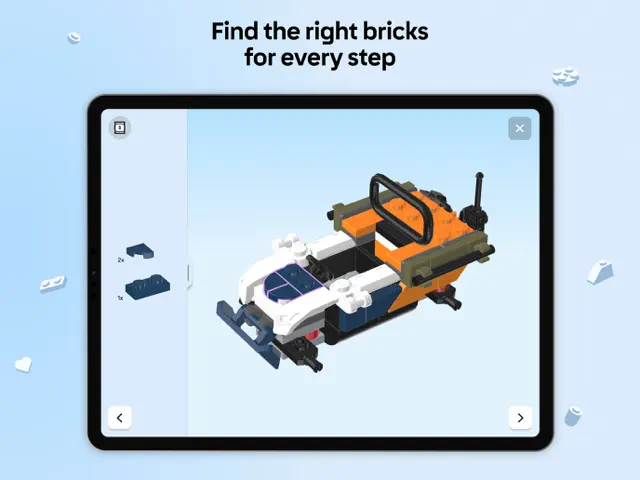
LEGO Builder is a phenomenal tool that fundamentally changes the building experience. The 3D instructions are a game-changer for complex sets, allowing you to rotate the model to see exactly how a brick connects—something that a 2D manual simply can't compete with. It’s smooth, intuitive, and visually beautiful.
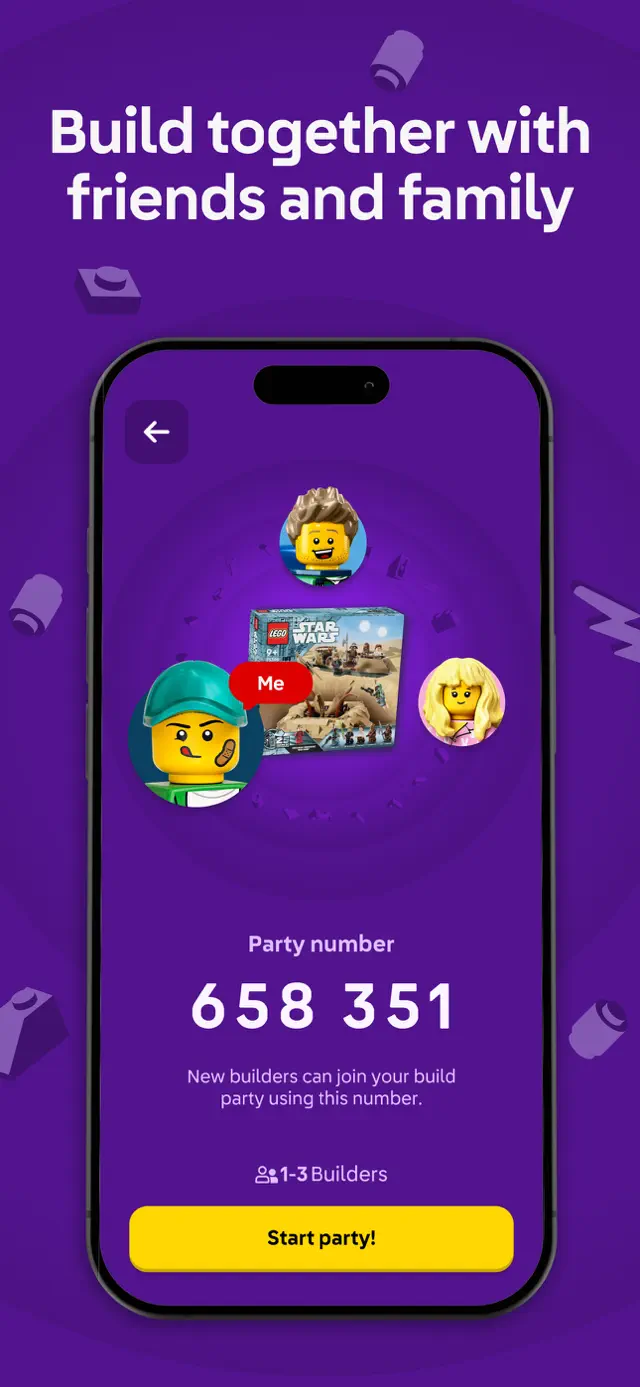
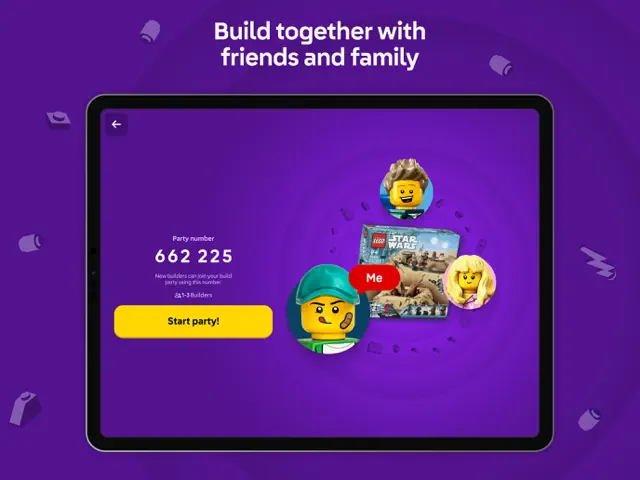
The 'Build Together' feature is perhaps the most innovative addition. It allows a family to split a massive set across multiple devices, so everyone has their own task but the project remains collaborative. It’s also a fantastic way to digitize your collection and ensure you never lose a manual again. For any LEGO enthusiast, this app is as essential as the bricks themselves.
Features
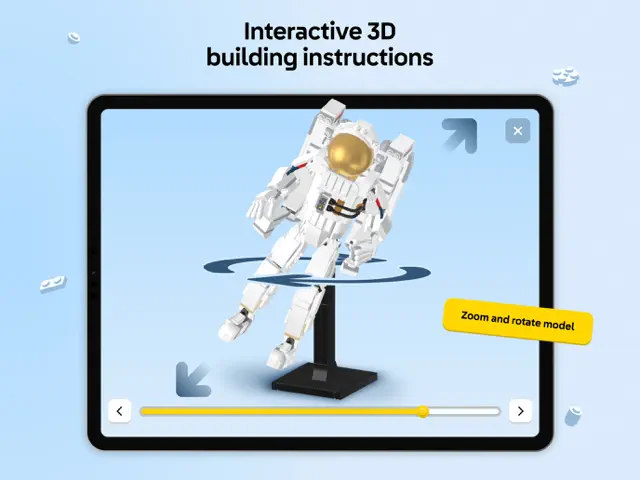
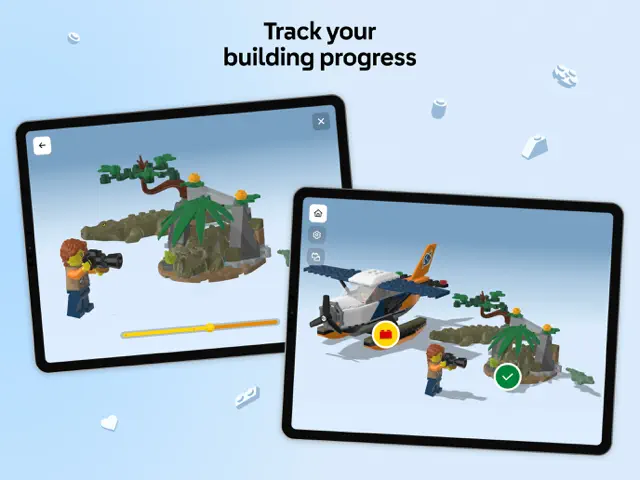
Interactive 3D building experience
Scan QR codes for instant manuals
Build Together collaborative mode
Digital collection tracking
Upcoming Events
Tips & Walkthrough
For selected sets, you can rotate the virtual model 360 degrees. This helps you see exactly where small pieces go when the paper instructions are unclear.
Gameplays
Host a building session where multiple users can work on different parts of the same set simultaneously, each using their own device to see their specific steps.
Screenshot
Q&A
The app has a vast catalog, but 3D features are mostly available for newer releases from 2020 onwards.
Ratings & Reviews
Great app!
Tue Dec 24 2024 Sussybaka276This app is amazing. Very useful, as I keep my instructions in my boxes, but my dad recently threw out all my instructions, 😒. I also like the feature where you can see the coming soon sets. I also like how you can build the sets together. Although I haven’t used it yet, I think it’s clever and intuitive, and will definitely be using it the future. Also I think it’s cool how you can look at retired sets from retired themes. As an Egypt nerd, I like looking at the retired Pharaoh’s Quest theme. I think it’s very smart to have digital instructions, and the people who think it completely ruins the point of LEGO are karens and don’t know what they’re talking about. I have not encountered any bugs or crashes, my only complaints are the camera controls can be a little weird and there aren’t older sets. I also think that you should include the prices while looking at the sets, because occasionally I’ll do some of my window shopping on this app, lol. Also, I would LOVE it if you made all the current sets 3D instead of PDFs. That would help out a TON. Other than that though, this is a great app, and for FREE? LEGO may be expensive, but they sure care about their customers. 5 stars and 2 thumbs up!
Could this helpful guide be any better?
Sat Jul 17 2021 B4StarfireOnly if they keep going back in time and adding older sets! This guide not only allows you to find those pesky instructions your kids have misplaced, but organizes them by family type (City, Star Wars, DC, Marvel, etc) and by year released. Devs: Please add a feature to favorite the current sets your kids are working on. As the family collection gets larger, digging through the sets could be helped by making a setting where the sets the kids are currently working on filter tot he top. Also PLEASE PLEASE PLEASE keep adding to this from a historical aspect. The kids have lost some of their instructions from several years ago and they are right outside where this app goes back to. I also have sets from my childhood (not going to indicate the year other than to say I had Space and City sets) and I would love to see those instructions on here. I think parents looking for these sets would be willing to pay to unlock older sets. Maybe a small one time fee would help fund adding these older sets in!
How about accessibility?
Sat Dec 13 2025 Another BoAs a blind person with limited sight, I recently completed a set on my own, (Star Trek Type 15 Shuttlepod) using a PDF download of the building instructions on my iPad. I’m not sure how I came across this app, but was excited when I did, considering how big of a deal Lego makes of Accessibility for people with disabilities on their main website. So I was disappointed when I loaded up this app, and found that it’s not at all optimized for someone who relies on a screen reader for reading text on the screen. Buttons are not labeled, and just voice jibberish when the VoiceOver screen reader finds them. (“filter-button-3ad5c413-1aa6-40ab-95c4-3f8419b38b42-15-label” as an example.) I would love to see Lego put a bit more effort into this app to make screen elements read properly, controls accessible, and maybe make it work with everyone. I would love to be able to “Build Together” with my son, significant other, or friends. I imagine building the Star trek Enterprise D would be much more enjoyable as a collaborative effort in this app, if it would work even a bit better for someone like me. I would imagine having the ability to have the brick piece descriptions read to me on each step as to what I will need would be huge. Lots of opportunity here to be inclusive.
**Update: Completed sets won’t go away!** Really good but with limitations
Tue Dec 31 2024 guxdude*UPDATE: I’m really getting frustrated with this app! I can’t ‘complete’ builds any more. I get to the last page and exit but it doesn’t realize I’m done. I used to be able to long press on a set on the home page and hide it but that option no longer exists. I’ve resorted to ‘resetting’ the instructions which seemed to remove the ‘unfinished’ sets but they randomly keep coming back. Today I opened the app to find 5 sets sitting on my Home Screen that I had already finished and cleared out. What is going on LEGO?!? Please fix this so I can enjoy the app building experience again. I love this app and my preference is always to use the builder app over the printed instructions. Unfortunately, so many instructions don’t show up in the app even though they are available online through customer support. Why don’t you link the databases so the app will download any off available in you customer database? Also, I wish they were more with the 3D instructions. Sometimes it is not clear exactly where a piece should go and the ability to get a different view is awesome. Overall great app but still room for improvement.
OLDER LEGO SETS
Sun Jan 29 2023 GUARDIAN_kai3737Hello, my name is Jamison, I’ve been a Lego fan for many many years. I am now currently an adult and still enjoy playing with my Legos. I stumbled upon this Lego builder app when I downloaded the PoweredUp app to play with my Lego train sets. Both apps are amazing. I showed my father on his iPhone and he was driving my trains. It was really cool. He enjoyed it very much. However, I do have one idea that would greatly improved this app. For all of us adult Lego collectors, who still own sets from the 70s 80s or 90s we would still at least like the ability to add the sets to our Lego builder profiles. For example, I have one really old set added to my list but the set does not have a thumbnail image until you click on it and then click the PDF. It’s kind of a little frustrating. So my main point here is just to add some of the Nostalgic sets to the apps inventory so that we can add them to the sets that we had when we were kids for nostalgic reasons. thank you so much. Sincerely, Jamison. aka GUARDIAN_swoop37
one major problem
Sat Jun 28 2025 RMG77!Before I say anything, I want the Lego company to know that I absolutely love this app. I use it all of the time to recreate some of my old Lego sets that have their instructions either eaten by my dog or just been lost. Additionally, I use this app to check out some sets that I want to get, find interesting, or even just see the new sets that have recently been released. Although this app possesses all of this greatness, there is one problem that makes me really frustrated. Occasionally, (it’s happening more and more lately) I will try to open the app and I get the message “Oops, looks like you are not connected to the internet!” This is very annoying because I will check my settings and I will be very clearly connected to the internet. Even all of my other apps that require internet work, except the Lego app. I have tried fixing this problem multiple times, I have even asked AI how I can go about troubleshooting this but even AI has no clue. I would absolutely love to continue using this wonderful app but I won’t be able to because of this issue. It would be absolutely amazing if I could get a response on how to fix this because I still don’t know if it’s a problem with my device or the actual app. Please respond on how I can fix this 😭.
Great... but...
Tue Jul 21 2020 KatongadethThis is a great app for anyone that wants to log their Lego sets and have a digital copy of instructions “just in case”. If I have one complaint it’s that older sets are not included. I’ve been collecting for DECADES (yeah, I’m OLD!) and I have sets that are not included in the app, that have instructions that are not looking so great after being moved around a bit. I also have some UCS sets that I just don’t want to handle the instructions more than I have to, of course these big sets were not known as UCS back then, “just big and expensive”! I am in NO WAY bashing this app, it’s great! I’m hoping the development team on the app will continue to dig into the Lego archives and upload the instructions from sets from the very first day Lego made products. It would be great to have instructions to those old, never to be seen on the shelves again sets, so we old folks could recreate the sets from our childhood. I mean imagine what kind of business would be driven to the Lego online store of people needing to buy the bricks to recreate the castles from our youth. Here’s hoping they listen and add those older sets... PLEASE!!!
Great App, But…
Mon Nov 25 2024 amargo72I wanna say that this is an amazing app and if you want to be able to go anywhere and not need to remember your instruction book, then this is for you. There is one problem that I find quite annoying. The entire reason I got the app was so that it was easier to actually see what they were doing by using the 3D models, but there are some sets that don’t have that feature, and it’s quite frustrating. It just shows you a digital version of the instruction book on some of them. Now most of them are fine, and they have the 3D models, but others don’t have it and it’s just as confusing as the book itself. What makes those specific sets even worse is that there is a little bar on the bottom that obstructs your view of the bottom steps on the page. If you don’t mind this then this is the best app for you. If you do mind this then get it, but if the set that you’re building doesn’t have the 3D models, then just stick to the book for that one.
Some Walkthrough

THE BEST LEGO APP EVER! & BONUS LEGO Mandalorian Speed Build
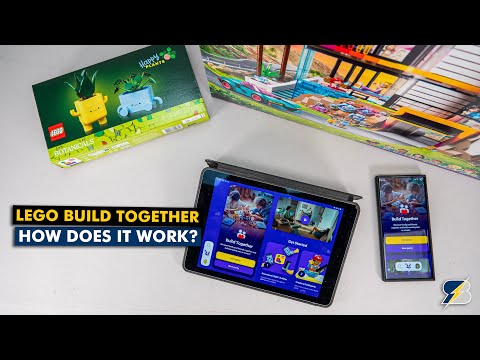
LEGO Build Together: How Does It Actually Work?

LEGO Builder Mobile App review

Build Together with the LEGO Builder app 📱 | #LEGO #Shorts
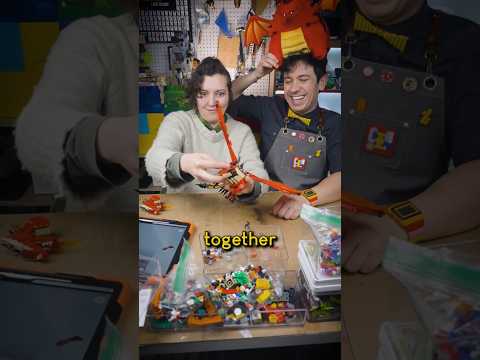
how to do LEGO Date Night #LEGO #legos #AFOL

LEGO Builder App at Bricktastic 2025
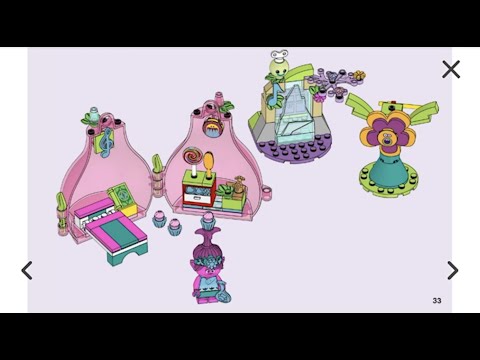
LEGO Trolls Poppy's Pod 41251 Building Instructions

LEGO Builder's Journey Trailer - Apple Arcade

LEGO Builder's Journey - Launch Trailer
Some Youtube Videos found!

"Master LEGO Building with the Official LEGO Builder App!"
THE BEST LEGO APP EVER! & BONUS LEGO Mandalorian Speed Build
LEGO Build Together: How Does It Actually Work?
LEGO Builder Mobile App review
Build Together with the LEGO Builder app | #LEGO #Shorts
how to do LEGO Date Night #LEGO #legos #AFOL
LEGO Builder App at Bricktastic 2025
LEGO Trolls Poppy's Pod 41251 Building Instructions
LEGO Builder's Journey Trailer - Apple Arcade