Chess-Studio
For Serious Chess Players!!
Ratings
Age
4+
Category
Board
Languages
English
Thu Feb 19 2026
- IN THIS RELEASE (4.7.7)
• From the Lichess section in the main menu you can also access Lichess TV.
• Improvements in application handling in case of memory overload.
• Minor bug fixes, general improvements and optimizations.
- MAIN FEATURES INTRODUCED IN THE LATEST RELEASES
• The new version of the Stockfish 18 engine with Neural Network (NNUE) support has been integrated. According to the authors, Stockfish 18 shows a consistent improvement in performance, with an Elo gain of up to 46 points and winning close to 4 times more game pairs than it loses.
• A Unique online Database with over 11 million games is available. In addition to standard browsing, it is possible to perform targeted searches by data or position. The Unique Database will be updated regularly.
• Added the ability to perform searches in a Database based on PGN Tags (Event, Date, White, Black, ECO, Elo, etc.). This section can be accessed from the main menu.
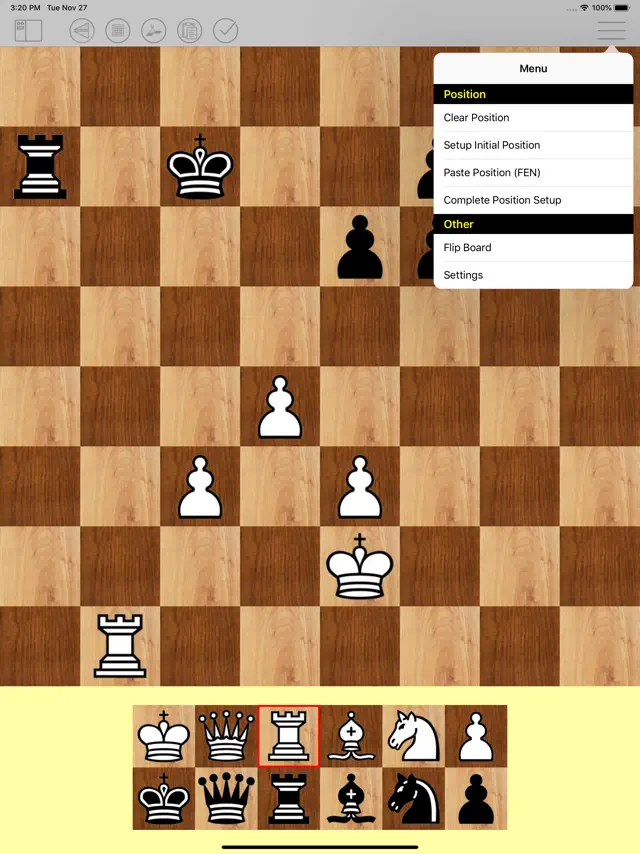
• Diagram Recognition: this feature allows the user to take and/or upload photos of chess diagrams and convert them into PGN format positions. It is also possible to upload images containing multiple chess diagrams.
• From the Help section, you can download the updated full description of the application. The same description can be viewed at the following address: https://chessstudio.wordpress.com/chess-studio/
• Chess Studio is enhanced with a new feature: the ability to browse an Online Database of games organized by Year and Tournament since 1560. This extensive Online Database will be updated daily with new tournaments and games. Access to this database requires a symbolic Premium subscription.
• A new training feature has been added: the user can load a game from a database and decide whether to move for White or Black without seeing the moves to evaluate his skills. At the end a report will be produced that traces the entire training session. It is possible to use this functionality either by choosing the game to train with or by letting the application decide the game in random mode. To use this functionality, some settings are possible via an appropriate interface. There are various ways to access this functionality, for example from the menu at the top center of the chessboard screen.
• Chess Studio can now read databases in ChessBase format. It can import cbh, cbp, cbt, cbg, cba, cbs and cbc formats, thus it is able to interpret the moves of a game, the variations and comments.
• Possibility of playing online using the Lichess platform. For blind or visually impaired players this feature is fully supported by Voice Over.
• Automatic insertion of engine analysis into games. To enter the analysis, simply touch the engine analysis line. To use this feature you need to activate it in the application settings.
• The new function "Search games by material" has been added, through which it is possible to search for games in a database according to the material present on the chessboard.
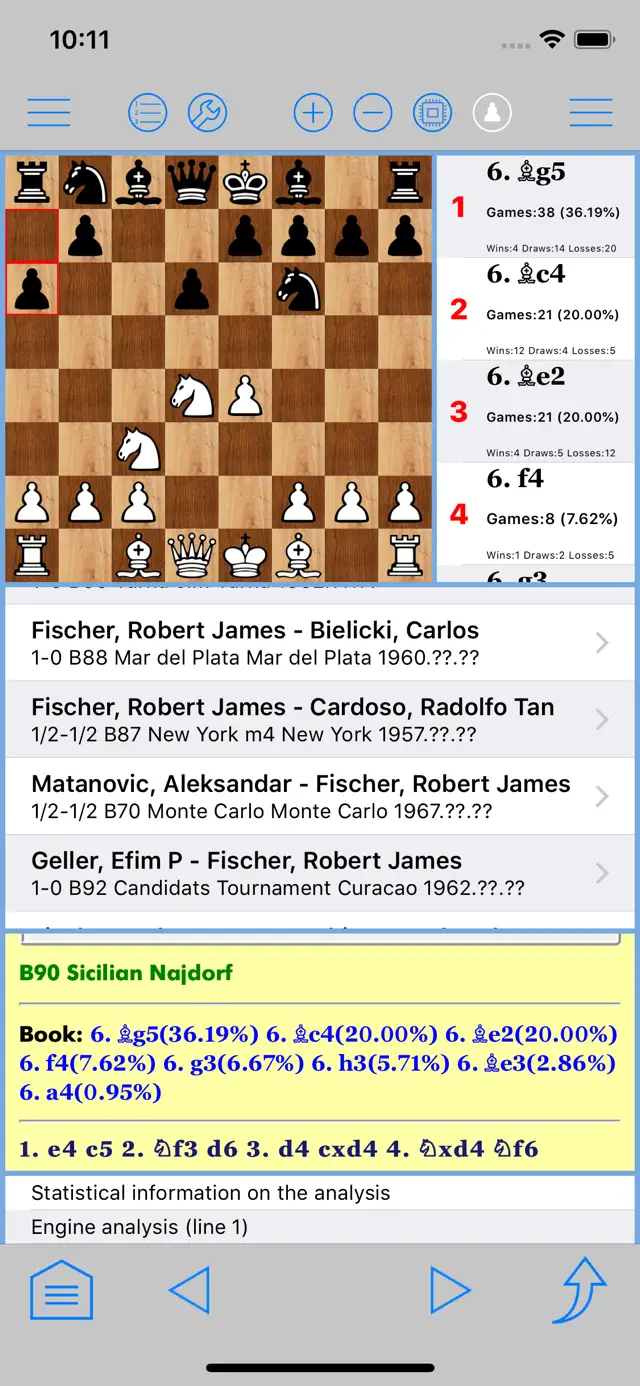
• In the Chess Board screen, you can customize the colors of the top bar, bottom bar, buttons and background. The customization is done in the Settings section. In the opening section is the new functionality to explore the Lichess Master Opening Tree. It is now possible to activate the speech synthesizer to announce the moves made both when entering and when viewing a game.
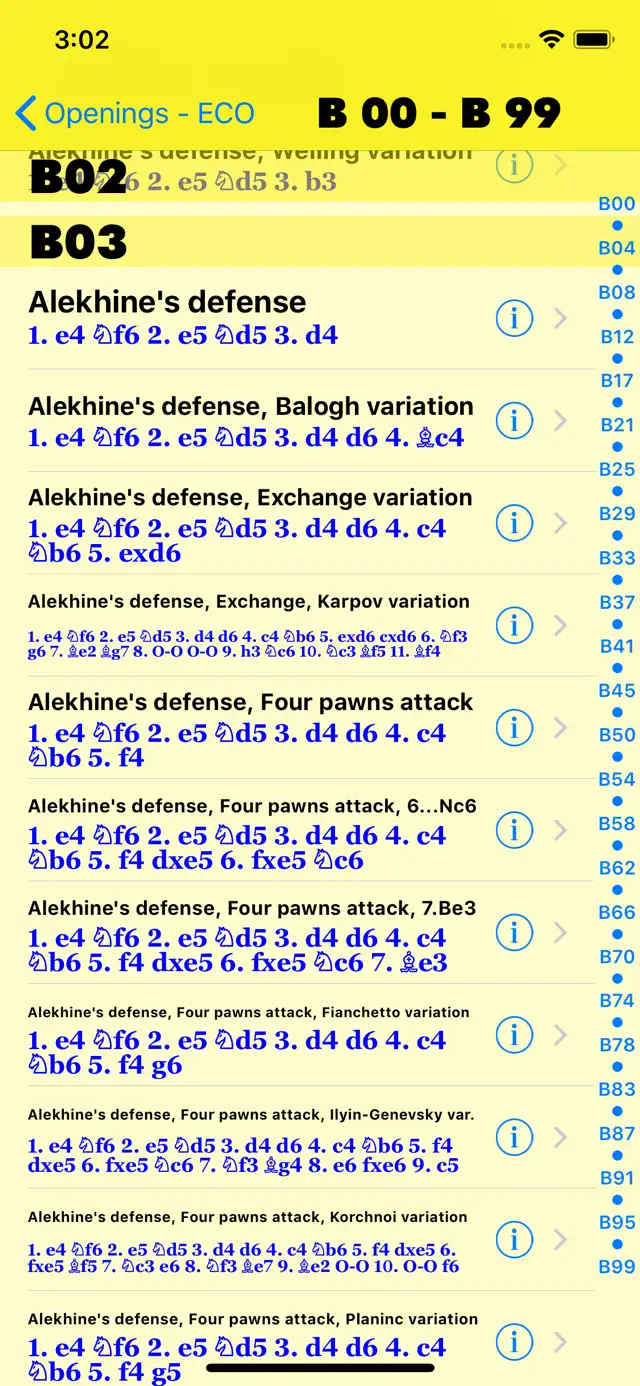
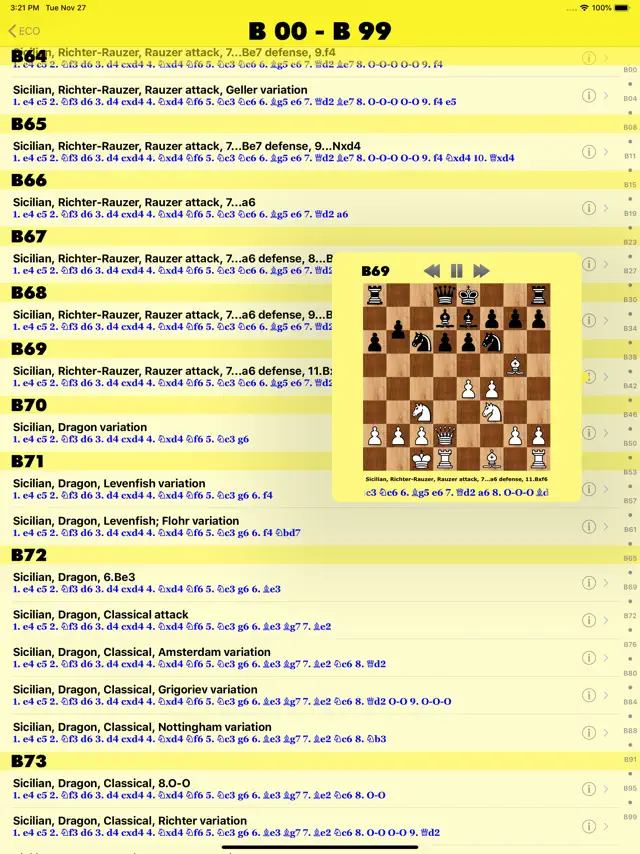
• From the opening section of a database it is possible to save the games relating to a single ECO code or to a single opening variant in a new database. To do this, just swipe left on the opening variant you want to save and follow the directions.

Chess Studio is the premier application for managing chess databases and analyzing games in PGN format. Designed for players who want to deepen their knowledge, it features an integrated Stockfish engine with neural network support, a dual-chessboard analysis mode, and support for Chess 960. Unique features like Diagram Recognition (OCR) and Lichess integration make it an essential tool for training and tournament prep.
Dinsun Expert Review
Our Expert Score
Chess Studio is not just a 'game'—it is arguably the most powerful database management tool available for chess players on mobile. For serious students of the game, the ability to import massive PGN files and analyze them using the Stockfish engine (with neural network support) is a game-changer. The interface is clean, supporting both portrait and landscape modes, and it handles complex move trees and annotations with professional-grade clarity.
What sets it apart is the 'Diagram Recognition' feature, which allows you to take a photo of a chess book or screen and instantly convert that position into a digital, playable board. Whether you're preparing for a tournament, studying grandmaster games from The Week in Chess (TWIC), or solving puzzles, Chess Studio provides a comprehensive suite of tools that used to require a desktop PC. It’s a masterclass in utility design for the chess community.
Features
Stockfish engine with Neural Network support
Diagram Recognition (photo to PGN conversion)
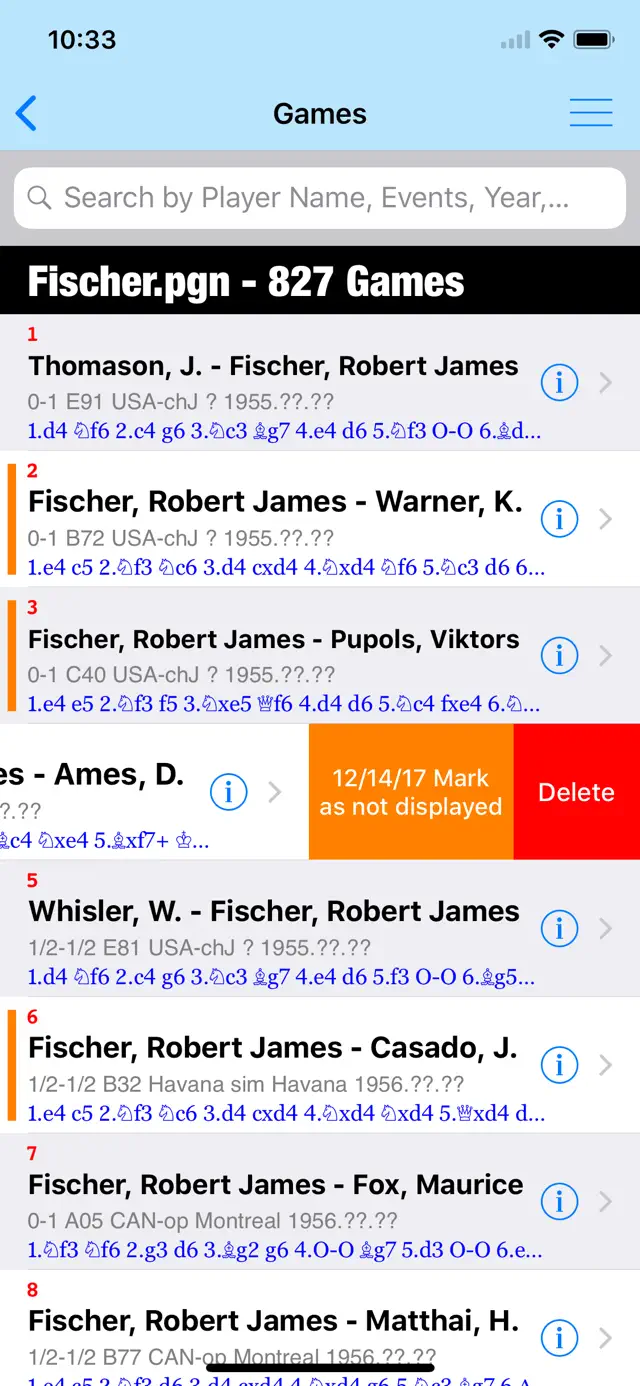
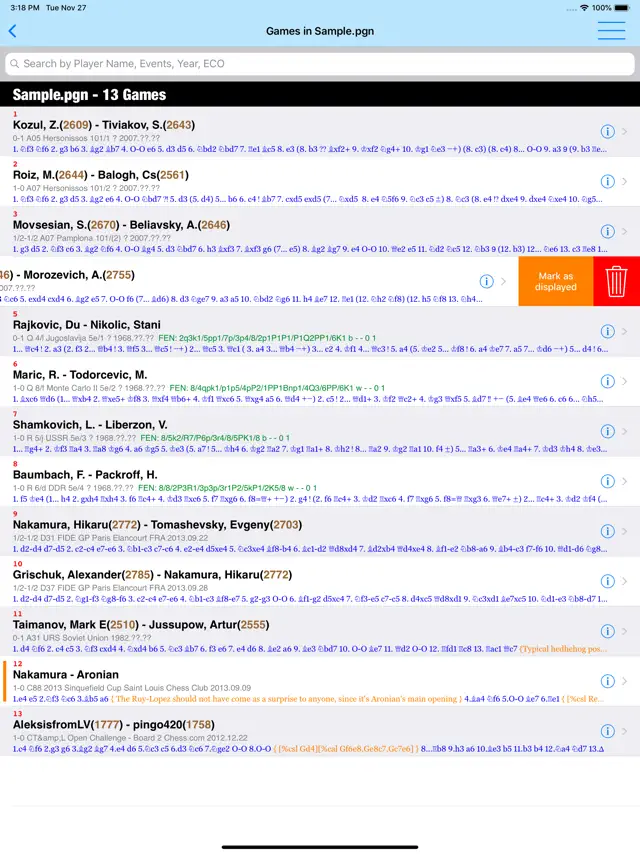
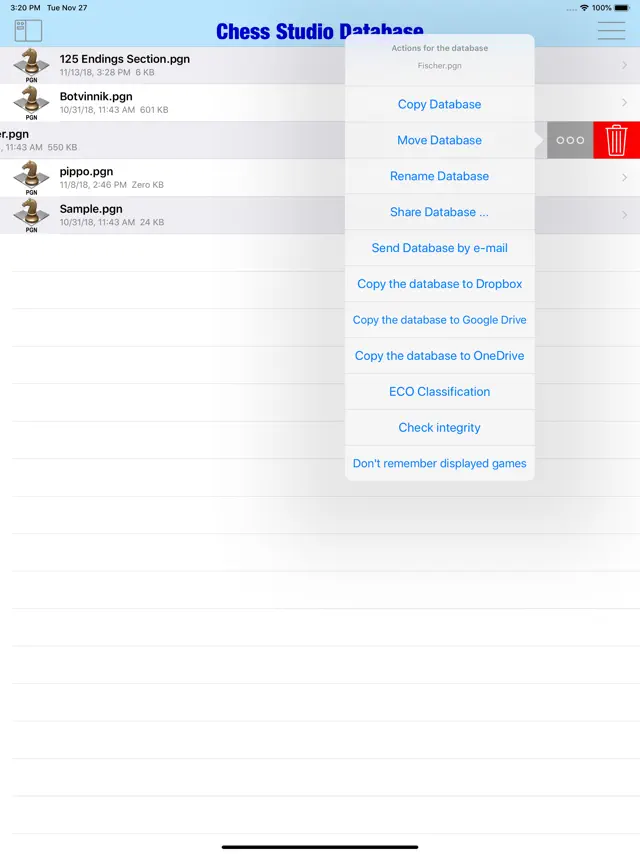
Manage massive PGN databases and folders
Play online via Lichess integration
Cloud sync with Dropbox, Google Drive, and iCloud
Tips & Walkthrough
You can download PGN files from the internet or sync them via iCloud, Dropbox, and Google Drive to keep your entire study library on your phone.
Gameplays
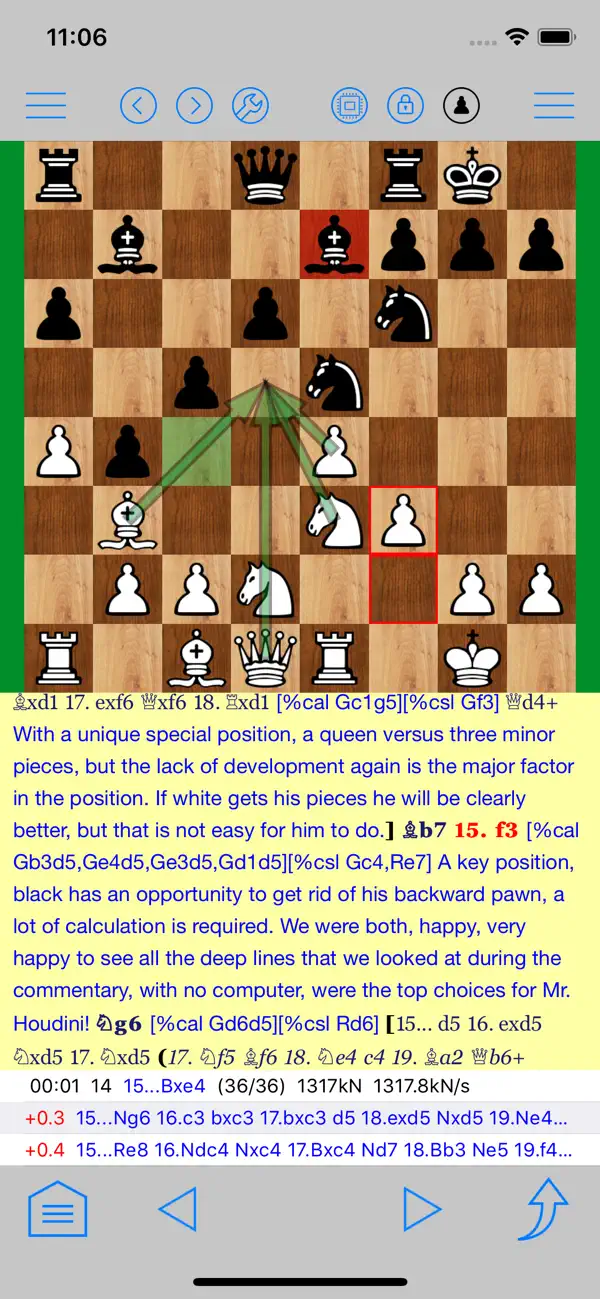
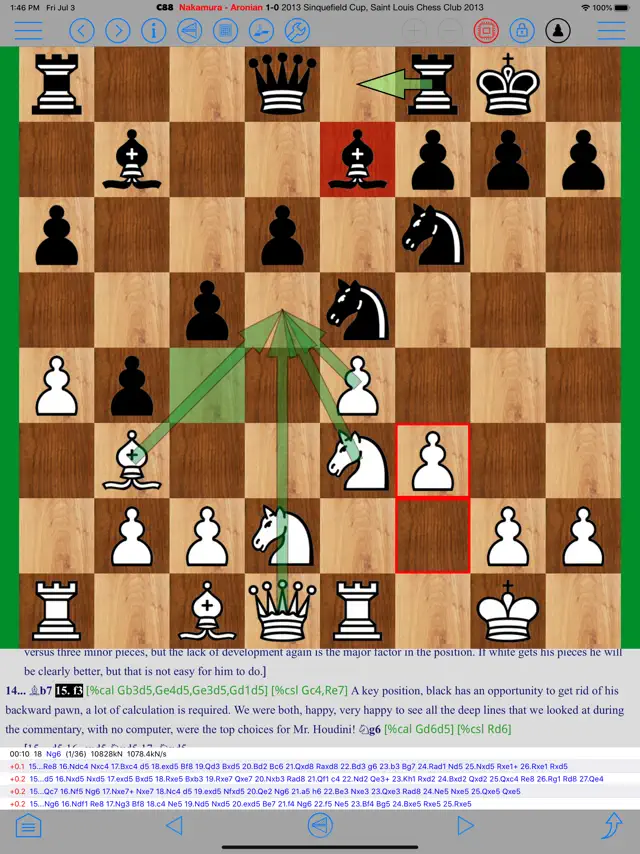
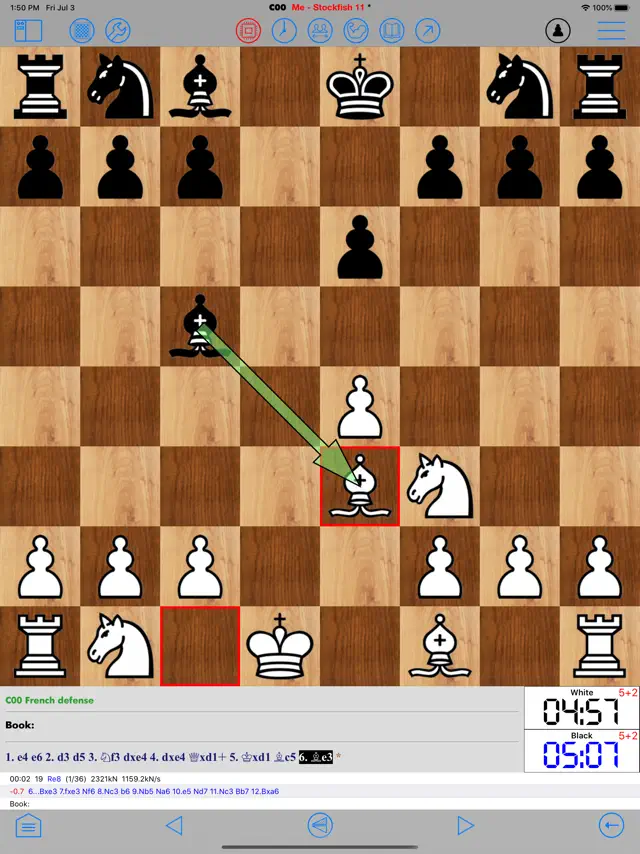
Tap the engine button to run Stockfish. You can see up to 5 lines of analysis simultaneously and use the evaluation bar to spot tactical blunders instantly.
Screenshot







Q&A
Yes, it supports Opening Books in Polyglot and ChessBase (ctg) formats.
Ratings & Reviews
Outstanding Chess App!
Mon Jan 26 2026 PilotMax737This is the Swiss Army knife of chess apps! There are so many features built into this app, you’ll just have to explore them all to fully appreciate how much detail has been put into it. It is loaded with settings that allow you to customize the app to your liking. The interface is also very aesthetically pleasing to look at. It excels in PGN database management—which is the primary reason that I use it, including analyzing, annotating, and reviewing both my own games and others from game databases. I purchased both the Chess Studio and Chess Lab apps so that I could move seamlessly between my mobile devices and laptop computer. I was initially looking for a chess app that would work offline and also one where I could adjust the font size of the game moves and annotations. As I use the app, I continue to find that it exceeds my expectations. It is an outstanding value for its broad functionality. I look forward to seeing the amazing refinement that the developer continues putting into this app!
A “One of a kind” Not enough stars to rate.
Sat Aug 20 2022 NikcGI’d say 10 Stars or more. This is truly a One of a kind app. From beginner to advanced, this has it all. It’s a great chess playing app with a Stockfish 15 chess engine. Save games on your iPhone or iCloud or Dropbox. Use iCloud to import thousands if not millions of games from PGN Mentor and other chess sites. Create your own database’s, merge them and study the great masters. You can create variations, comments and move ratings. Use markup to create different color arrows and boxes, great for analyzing the great masters as well as your own games. You can also creat your own Opening Books. There are just too many things to mention here. Truly, this is well worth the money. I would pay 20x more and be very satisfied with the purchase. You have to use it to believe it. I would keep going but my finger is getting tired. GET THIS APP.
One of a kind must have chess app!
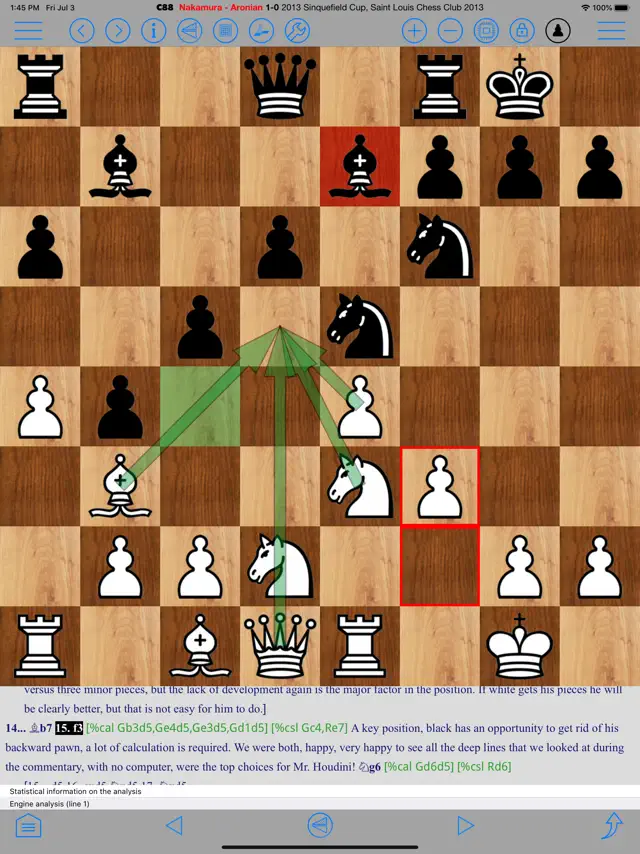
Sun Aug 13 2023 _NM_The description says, “For serious chess players,” and another review states “If you get one chess app, make it this one.” Both are true. Other chess apps have lots of eye candy. However, when it comes to what it takes to manage your repertoire, analyze your games, and other important functions you would expect from a chess app for anyone who is half-way serious about their games, then _nothing_ on the App Store comes even close to Chess Studio: Manage your PGN databases, analyze, create opening tables, download from TWIC and PGN Mentor, … Yes, it has its interface idiosyncrasies and its own way of doing things but one will easily get used to it and understand the rationale behind its presentation. I especially like how the analysis (now using Stockfish 16) shows immediate graphic feedback with labeled arrows with different transparent colors akin to Nibbler/Lc0. This is a fantastic app for importing games played on either iPad or iPhone and analyzing them. Easily move PGN databases between iCloud, DropBox and local storage. Create opening books from your games on mobile? Unheard of, but this app does it! The more I use it, the better it feels. I cannot thank the author enough for such a useful and functional chess app!
Simply brilliant!
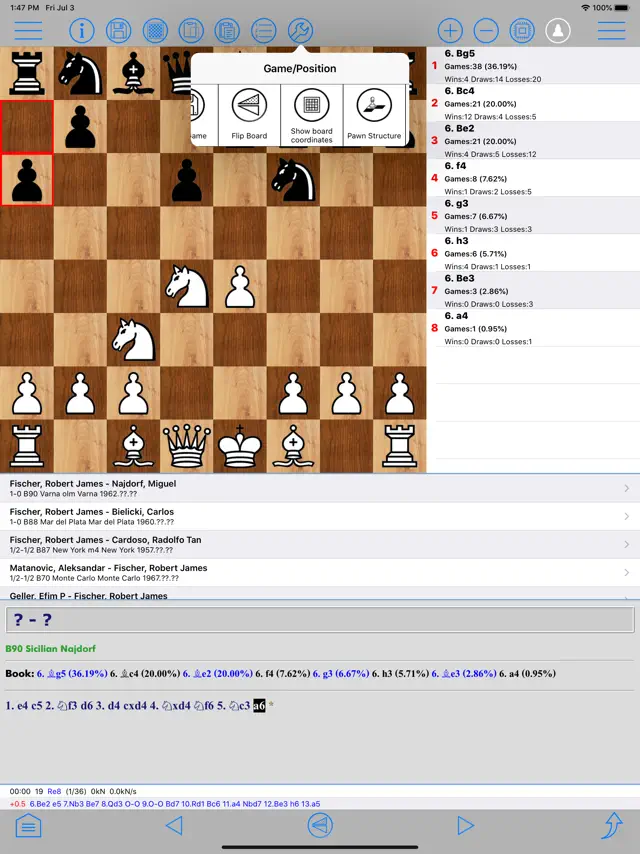
Tue Oct 15 2024 Captain BlunderpantsOutstanding app for database management, training, analysis, building a repertoire or just having a quick game with Stockfish. Not a big learning curve, and if you’re familiar with chess database programs this should all be pretty easy to get around. Links directly to PGN Mentor & The Week In Chess for access to literally millions of games to build a database with, and you can import your own. Easy navigation of bases (player, year, event, ECO or combinations of those & other parameters) & a boat-load of various analysis & search functions including endgame tablebases. Also ability to create custom opening books for stockfish to use from databases is a big plus! If you’re serious about chess, or want an easy to use, stable program for OTB prep, this is probably all you’ll ever need. Highly recommended.
So much here
Sat Oct 05 2024 Yoda MannWhile this may not be the most attractive app (full disclosure, I’m an artist/designer and would love to redesign the icon and splash screen) what’s offered here in this app is incredible. I can load databases of my repertoire, plus add databases of my chess books to make study so much easier when traveling. This app is in so many ways what ChessBase should have offered but failed in the mobile space. It’s great that I don’t have to lug my laptop with me on vacation, I have so much of what I need for constructive study right here. At home, if I want to relax on the sofa and study, this does the job. The app has made my chess books so much more useful. Congratulations to the developer: great job. Oh, and reach out if you’d like to upgrade your visuals. ;—) Thanks!
If you only get one chess app make it this one.
Tue Feb 08 2022 KodiamusThis chess app is phenomenal!!!! 10 STARS!!!! The author of this app has included things I have wished for in from different apps and chess software programs from the “big boys.” He could charge ten times as much and knowing what I know now I would gladly pay every penny of it. The author of this program is simply a genius. I can’t give it high enough praises and accolades. You can edit, down load PGN’s, transfer PGN’s, annotate, and much more. Get the trial version if you want first to see it. Then buy it. You won’t be disappointed.
Great database manager
Thu Oct 11 2018 TheBirdf4I really enjoy this app — it’s fairly easy to use, integrates with TWIC for building opening databases from GM games, and lets me build my own databases and search them in all the ways I want. I have one small problem. If I want to copy all the games from one database into another (like if I’m building a database for each season of a league and want to add the seasons into one big league database), I have to individually check each game to add. A select all function would save a lot of time when I’m dealing with hundreds of games.
Great App With Tons of Potential
Fri Apr 22 2022 tomowamaThis app is amazing. It runs very smooth and has a good GUI for analyzing your games. I would recommend adding a few features. Namely adding a computer whole game analysis which annotates your games for you, telling you which moves are blunders, mistakes and so on. Also add coloring moves based on annotation. And add drawing arrows which are saved when you save.